


NbC: Samsung N510 Review
December 31, 2009 at 10:50 am
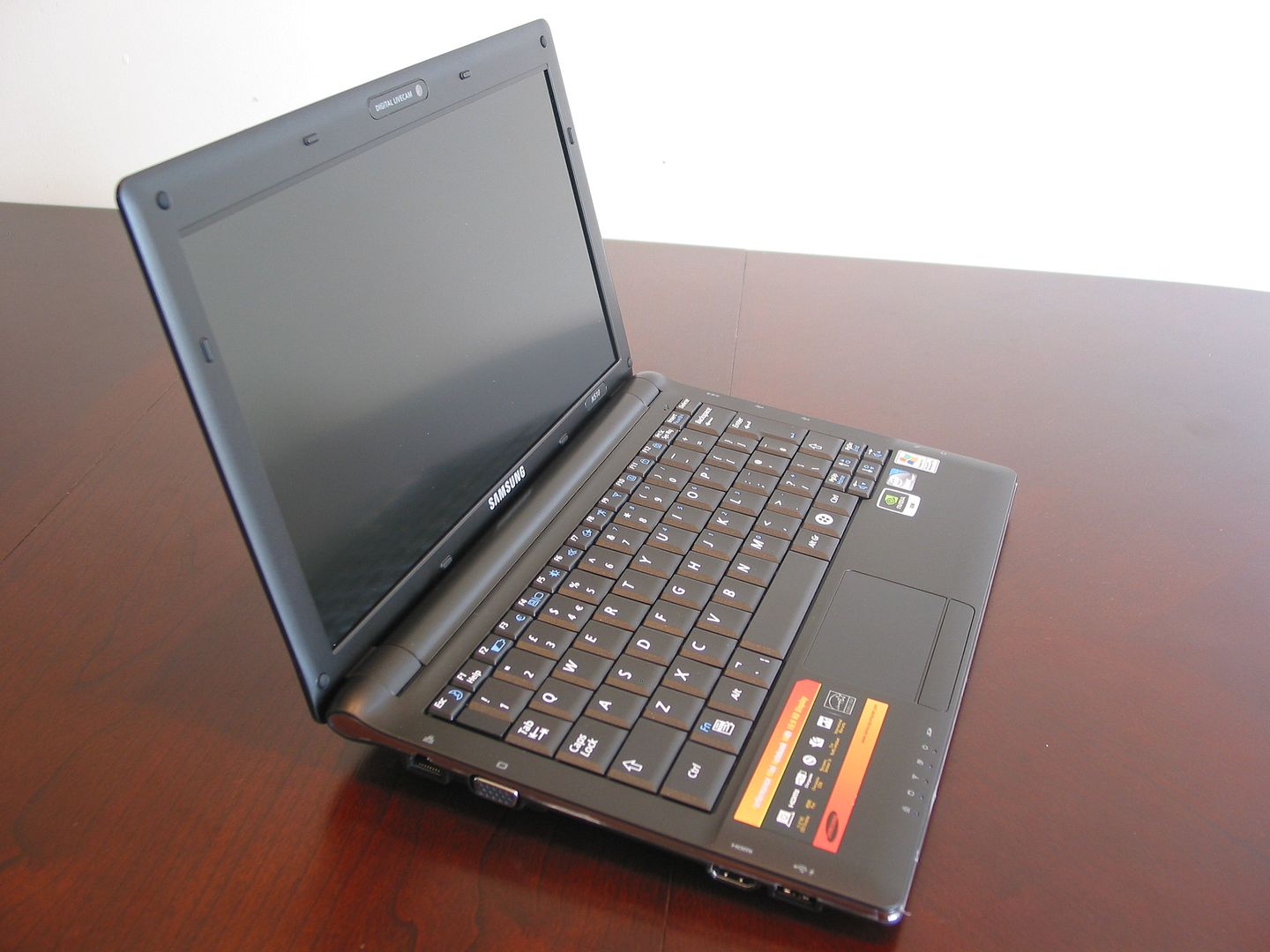 The Samsung N510’s arrival is important for a number of reasons. It is one of the first netbooks to be released armed with the Nvidia ION LE chipset. It is also the company’s first 11.6-inch device. On paper it sounds like a winning combination, you get a 1.66GHz processor, high-resolution matte display, HDMI, Wi-Fi (including Draft-N), Bluetooth 2.1 and a 6-cell 5900mAh battery.
However, times move quickly and with the advent of Windows 7, some may not want to purchase a new netbook that only comes with XP. It’s also not cheap at around the £380 mark, pitting it a significant premium to the main other ION netbook on the market right now, the Compaq Mini 311c at £330. Read on to find out whether ION really makes a difference and whether the Samsung N510 is worth the premium. As usual, you’ll also find some comprehensive performance and battery tests.
Positives
– Typical solid Samsung build quality
– Nvidia ION graphics enables HD video playback & better 3D performance
– High-resolution (1366 x 768) matte display
– Reasonably lightweight for 11.6-inch netbook
– Subtle, functional design
– Comfortable keyboard with no flex
– Touchpad & mouse buttons are responsive
– HDMI-out port enabling you to connect to your TV
– Easy access to HDD & RAM via bottom panel
– Feature-rich [Wi-Fi (b/g/n), Bluetooth 2.1, Card Reader, 1.3MP webcam]
– Chargeable USB port
Negatives
– Small right shift key
– The glossy lid is a fingerprint magnet
– Display not as bright as peers
– Use of ION impacts battery life
– Touchpad could have been bigger given chassis size
– Price point towards the top-end for a netbook
– No Windows 7 options right now (in European market)
Samsung N510 Technical Specifications:
- Processor: Intel Atom Processor N280 1.66GHz; 667MHz FSB; 512KB Cache
- Chipset: MCP79MZ
- Graphics: Nvidia GeForce 9400M; 128MB memory
- Memory: 1GB DDR2 800MHz; 1 x Slot SODIMM
- Hard Drive: 160GB SATA
- Operating System: Windows XP Home (SP3)
- Display: 11.6″ WXGA (1366 x 768) SuperBright Matte HD LED Display
- Audio: 3 Watts Stereo Speakers (1.5W x 2)
SRS TruSurround XT, SRS WOW XT, SRS CS Headphone
Mic Noise Suppression - Keyboard: 83 Key with Silver Nano technology (Anti-Bacterial Keyboard)
- Networking:
Wired Ethernet LAN (RJ45) 10/100
Wireless LAN 802.11b/g/N
Bluetooth 2.1 - Ports:
1 x VGA
1 x HDMI
1 x Headphone-out
1 x Mic-in
1 x Internal Mic
3 x USB 2.0 (1x Chargeable USB)
1 x DC-in (Power Port) - Other:
3 in 1 Card Reader (SD, SDHC, MMC)
1.3 mega pixel webcam
Kensington Lock Port - Power Supply: AC Adapter 40 Watt
- Battery: 6-Cell Lithium ion 5900mAh
- Dimensions: 289mm x 199.5mm x 26.5~30.3mm (W x D x H)
- Weight: 1.46kg
- Price (at time of publication): £381.95 (Amazon.co.uk
), £379.97 (Laptops Direct), £389.99 (Play.com), $599.99 (Newegg.com
)
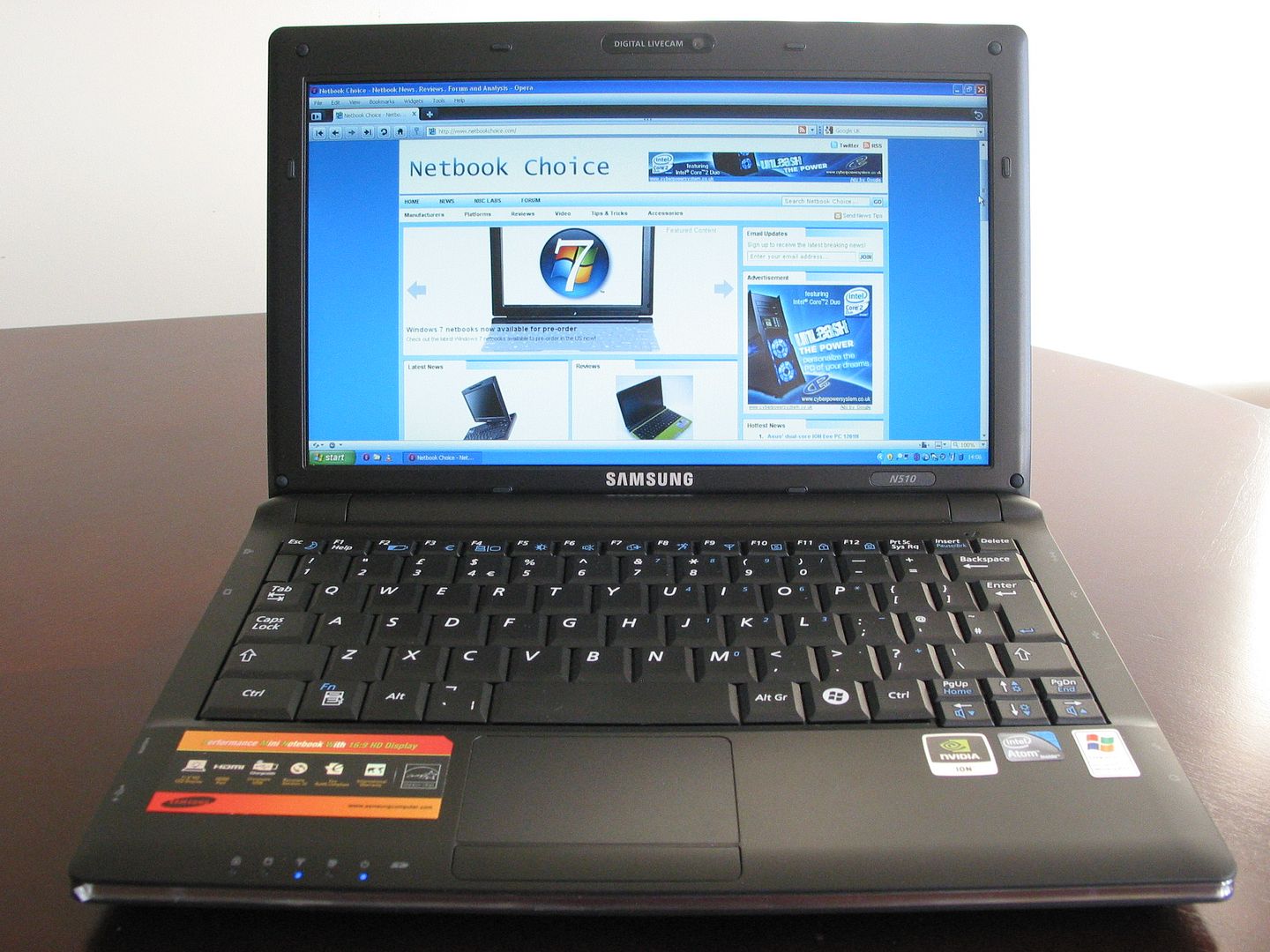
The Samsung N510 is the first 11.6-inch netbook that we have formally tested here at NbC. As with other models we’ve handled at this size it’s quite apparent that they don’t feel that much bigger than some 10-inch netbooks on the market. The Samsung N510 follows the styling of its predecessors and in particular looks similar to the Samsung N120 we tested previously. However, the Samsung N510 has a glossy lid and matte display, whilst the N120 had a matte lid and glossy display. How we’d love Samsung to create a model with both matte lid and display!
Samsung has a reputation for making netbooks with great build quality and comfortable keyboards and we’re happy to report that that trend continues here. Whilst some may argue that the design may be bland, especially when comparing it to Asus’ Seashell range, we like the somewhat sober design. The keyboard has good feedback and it’s easily one of the best we’ve used, following on nicely from the Samsung N120.
The Samsung N510 is pretty much one of the most fully featured netbooks on the market. Apart from the upcoming dual-core Asus Eee PC 1201N Seashell, there probably isn’t a more powerful netbook around. The N510 is the only ION netbook that comes with a 1.66GHz N280 Atom (all others like the HP Mini 311 and Lenovo S12 ION are paired with the 1.6GHz N270 Atom).
Things move quickly in the tech world, however, and the Samsung N510 ‘only’ comes with Windows XP. As pricing sits towards the top-end of the netbook range, some people may be miffed that you don’t at least get Windows 7 thrown in for that price. This mainly applies to the UK as other regions, like the US, ship the N510 with Windows 7 out of the box. There is a trade-off in my opinion, whilst XP gives you better battery life, Windows 7 is the new kid on the block and will have a longer shelf life.
The use of Windows XP means that Samsung has fitted the N510 with Nvidia’s ION LE (entry-level) DX9 chipset rather than ‘full’ DX10 ION. However, as we’ve discussed previously, the likelihood is that these are physically the same chips with certain parts purposely disabled. There are ways in hacking the ION LE chipset to believe it is ION, although this will only make a difference if using the netbook with Windows Vista/7 (DirectX 10 is not compatible with XP). The Nvidia chipset part uses a GeForce 9400M GPU with 128MB memory.
The Samsung N510 comes with an 11.6-inch (1366 x 768) matte LED backlit display, 1GB RAM and 160GB HDD. Both memory and hard drive are easily upgradeable from a large access panel on the bottom. You’ll also find a HDMI-out, three USB ports, Bluetooth 2.1, Wi-Fi (b/g/n), card reader, a 1.3MP webcam and 3W SRS stereo speakers. Add in a 5900mAh 6-cell battery and you’ll find there’s not too much missing from the N510.
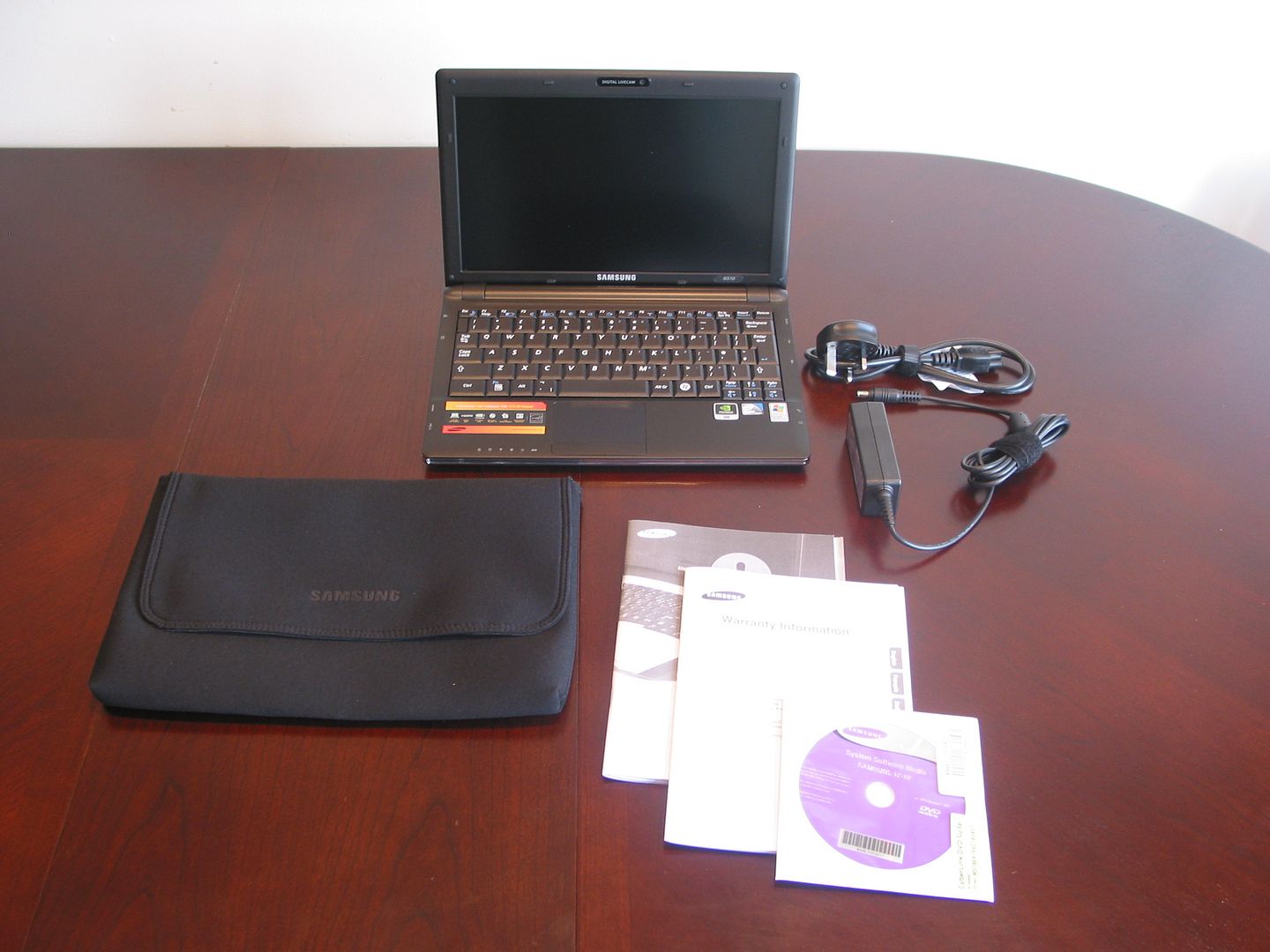
We have previously covered the Samsung N510 unboxing here (including video). Inside the box you will find a power supply, battery, netbook sleeve, some documentation (user manual & warranty card) along with an XP support DVD. The soft pouch has no zip and just folds over like an envelope. It is not designed to carry accessories but works well to keep dust out when it’s just laying around the house (it won’t provide any protection if taking it on the move).
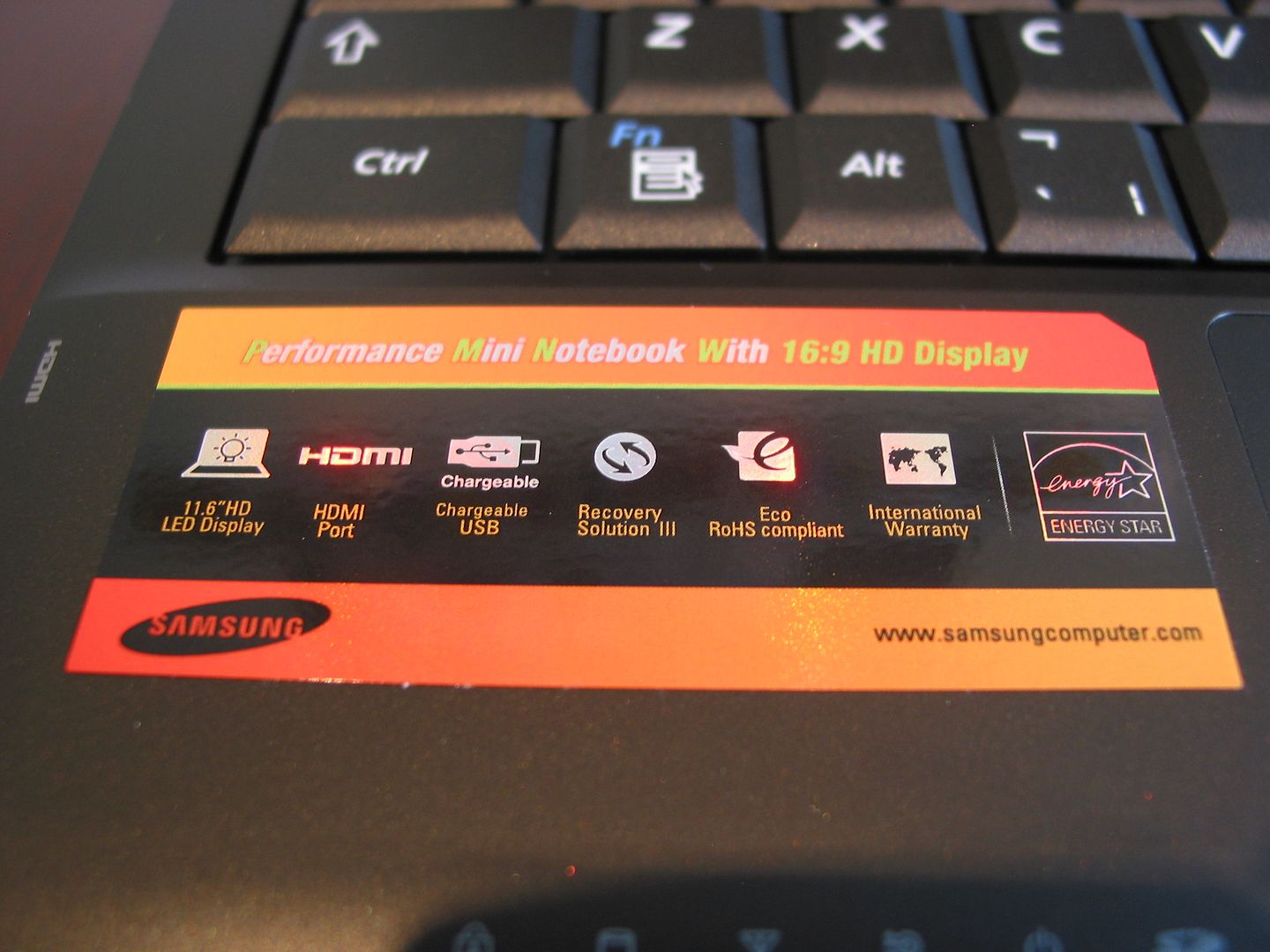
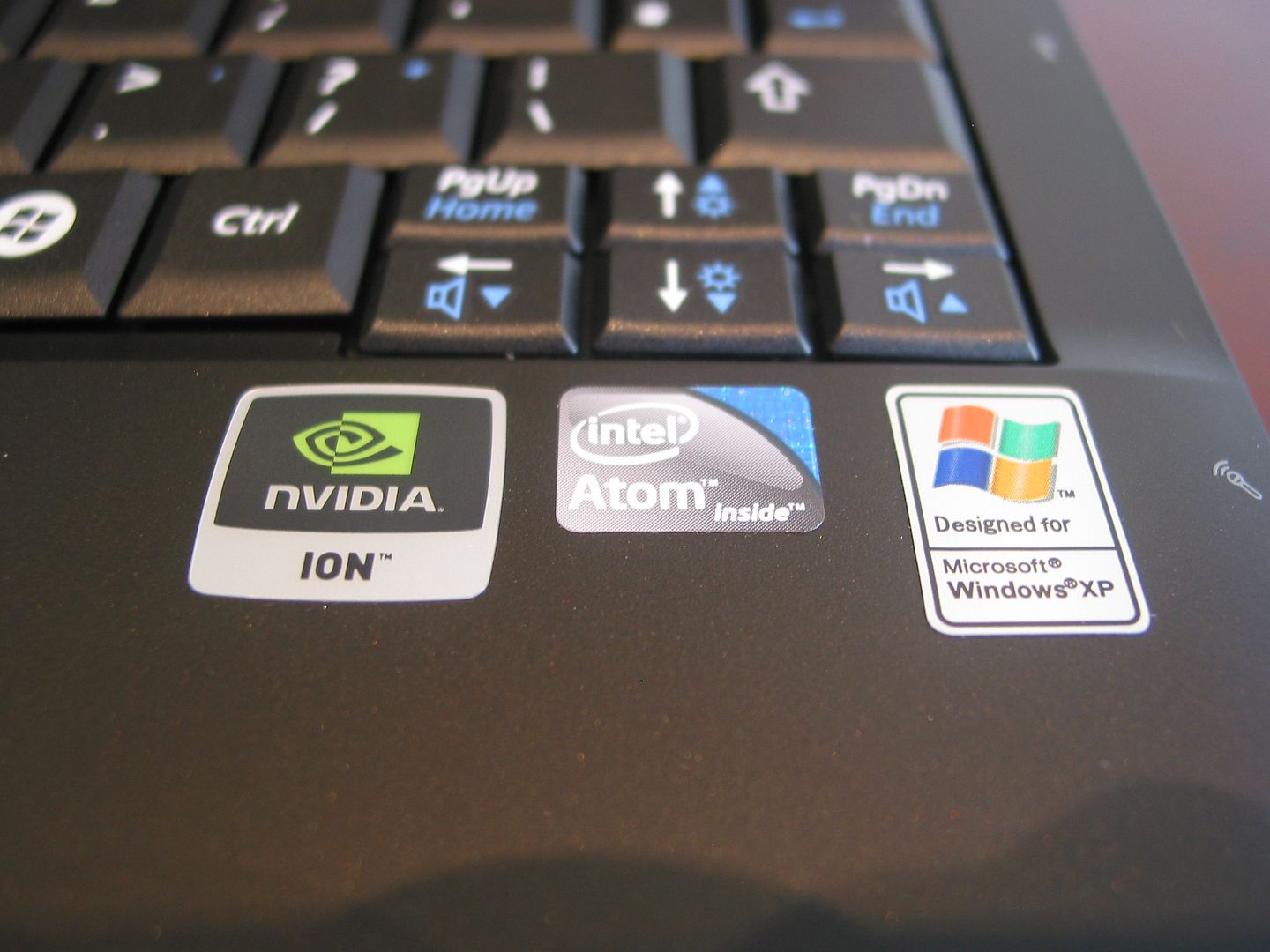
Build & Design
The Samsung N510 follows the design cues seen its 10-inch offerings. Let’s be honest the N510 won’t win any design awards but it does have an understated elegance. The edges are curved but do not taper as aggressively as seen in the 10-inch N120. This is partly due to the extra size of chassis needed to accommodate the 11.6inch display. The bottom is that much thicker, which Samsung has nicely disguised by running a faux-chrome strip on the front and both sides.
Build quality is sturdy, just as you would typically expect from Samsung. We noticed no creaking when applying pressure to the lid and palm rest areas and the hinge had just the right amount of resistance.

Despite the fact that the chassis houses an 11.6-inch panel, it is not any thicker than most other 10-inch netbooks. At its thickest point, the N510 measures just 30.3mm (1.2 inches) in thickness. The battery provides a nice tilt for using the keyboard.

The matte lid of the Samsung N120 was one of the nicest & practical that we’ve seen to date. The satin finish used meant that fingerprint marks were not a problem and it always looked in great condition even after heavy use. The same can’t be said of the N510’s glossy lid. It attracts fingerprint marks like there’s no tomorrow that means you’re constantly trying to keep it clean. Black glossy lids are renowned to be worse for this than white models, but the N510 doesn’t come in white so you’re stuck with here.

The Samsung N510’s bezel houses the webcam. Thankfully the bezel isn’t as thick as the N120 that had to accommodate two front facing speakers on either side of the display.

Due to the bigger display, the chassis doesn’t close as flush as we’ve seen on other models. However, it maintains a slim profile when closed and it’s here that you can notice the chrome strip used on the bottom.

Your typical Samsung logo sits in the middle of the glossy lid and is thankfully less over-bearing than the logo seen in the Samsung N310.

A matte finish is used in all parts of the interior including the keys, palm rest and bezel. Samsung had the right idea here and we’re glad they didn’t marry a glossy bezel with matte display, which can just be a bit distracting in our opinion.

The Samsung N510 has a total of five status indicators towards the left of the touchpad. Starting from the left, the first indicator is the caps lock, you then get HDD access and Wi-Fi indicators. You then have the charge status light, next to the power indicator that sits to the far right.

The lid could be pushed back as far as was needed to be used comfortably. I tested the netbook whilst on the move and didn’t find this restrictive at all.

I also didn’t notice any weight distribution issues with the screen fully pushed back. The bottom is heavy enough for the netbook to be used comfortably at full stretch, without worrying it would tip over.

A faux chrome effect is used in a strip along the entire bottom, which adds some class to the N510.

The hinge has a good level resistance, which means it’s not too difficult to open/close the netbook. Two hands are needed to open and close the lid which is the way the hinge should be. The glossy lid is quite reflective.

The full matte interior used in the N510 can be seen quite clearly below. Samsung has used an all black theme, although we wonder whether chrome hinges would have added to the aesthetics.


Overall we do like the design, it’s more functional than beautiful but it feels solid and even has a certain rugged look to it.

Bottom of unit
Samsung has been quite generous by providing one large access panel on the underside. The panel can be opened with three screws allowing access to both the hard drive and RAM. This particular unit came with just 1GB RAM and 160GB HDD, so it’s nice knowing that both components can be upgraded easily if more power is needed.
Apart from the fan vents sitting at the front, you’ll notice that the speakers sit on either side of the chassis, just next to the front rubber feet.
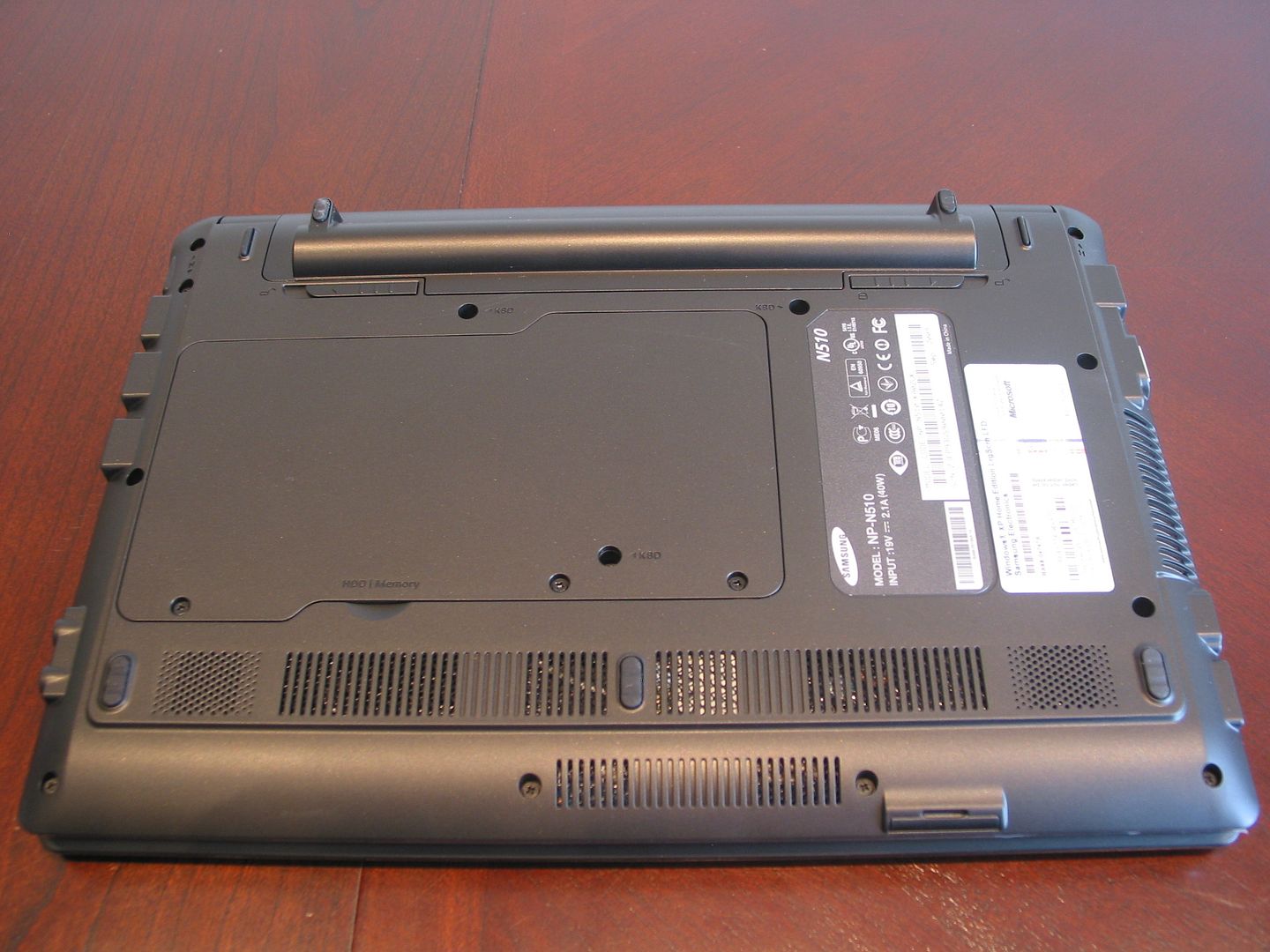
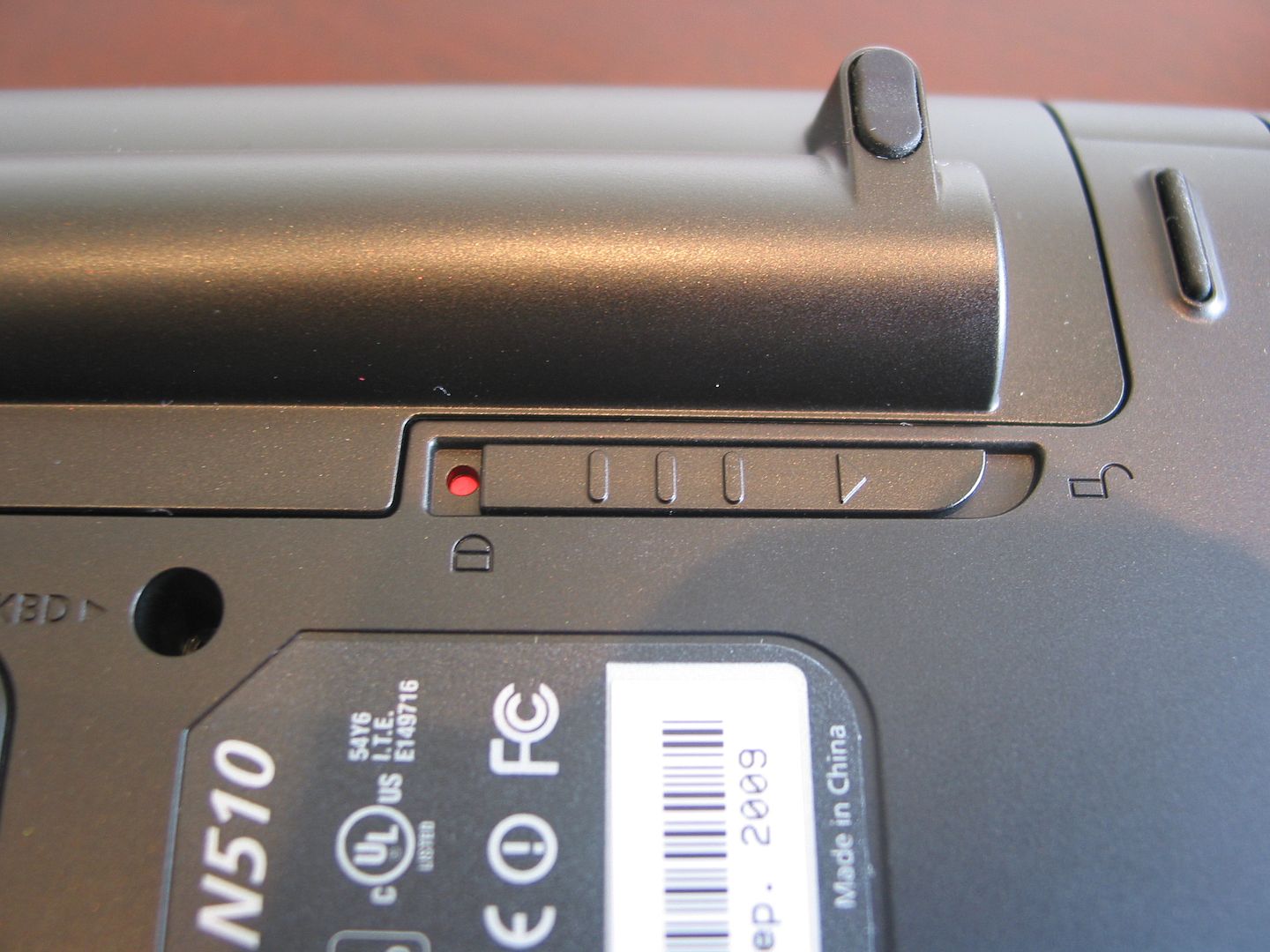
The battery locking mechanism is the same you’ll find in countless other netbooks. We’re pleased to say that the battery slides in and out smoothly with a decent grip to make sure it is locked into place.
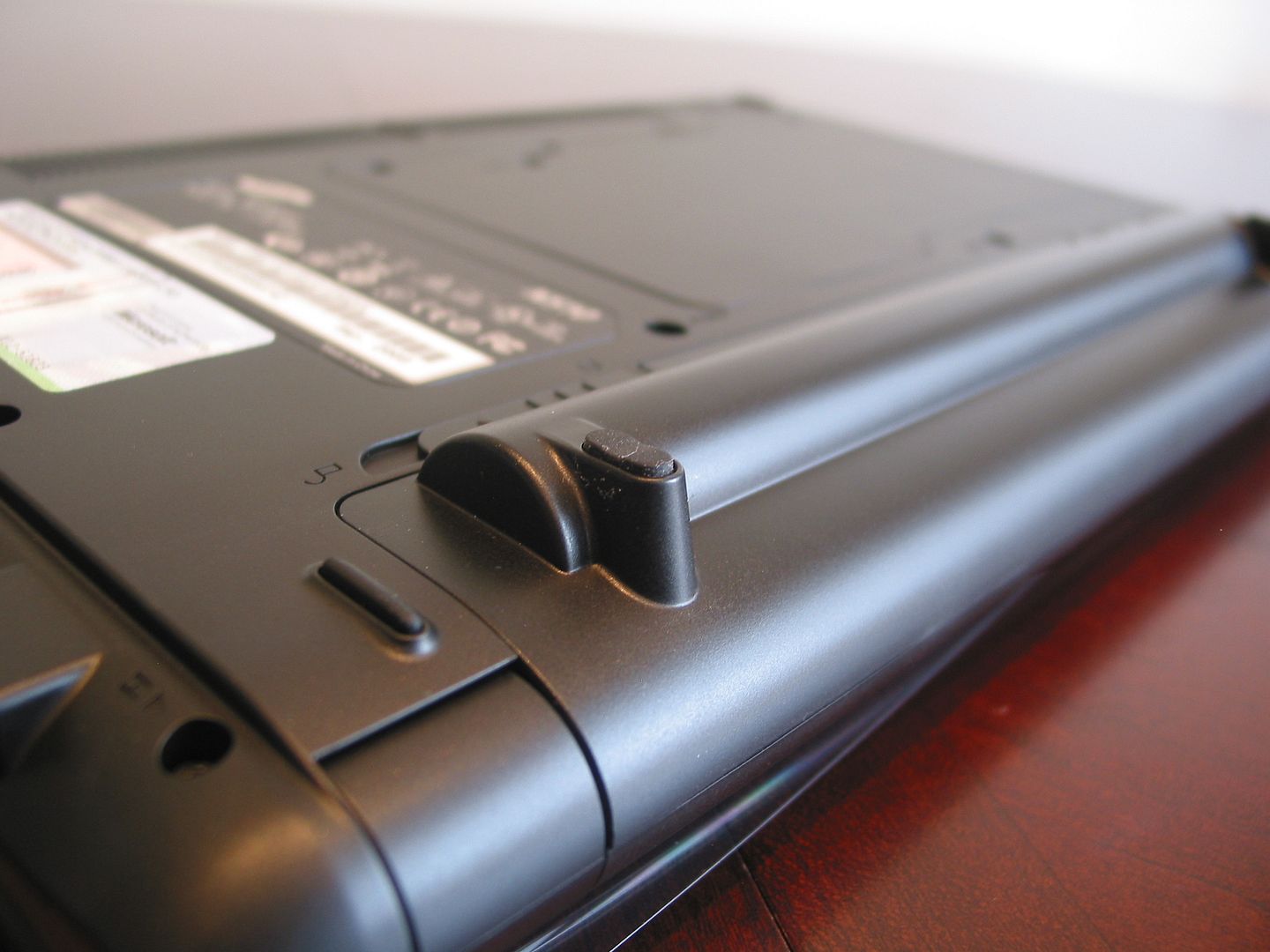
Much like the Samsung N120, the 6-cell battery doesn’t add to much bulk at the bottom and just sticks out in a cylindrical shape. Two rubber feet sit on either side.
Dimensions
Dimensions: 289mm x 199.5mm x 26.5~30.3mm (W x D x H)
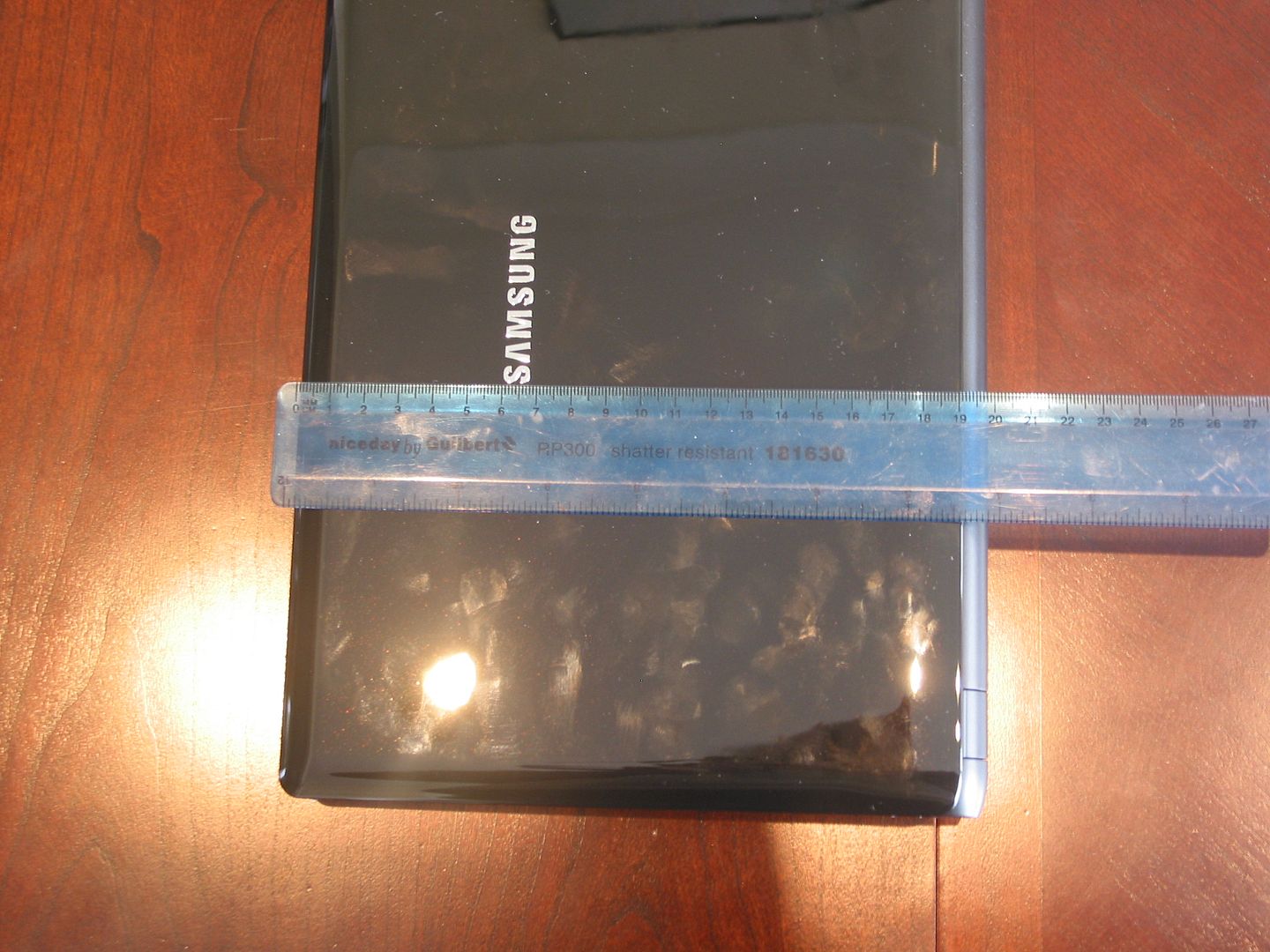
The Samsung N510 measures 28.9cm in width, which is only 1.7cm wider than the 10-inch Samsung N120. It shows how little the difference there is in both chassis’. To give you an idea of comparison with other 10” netbooks, the Asus Eee PC 1005HA measured 26.2cm in width, the MSI Wind U115 was 26.0 cm and the Asus Eee PC 1000HE was 26.6cm in width.
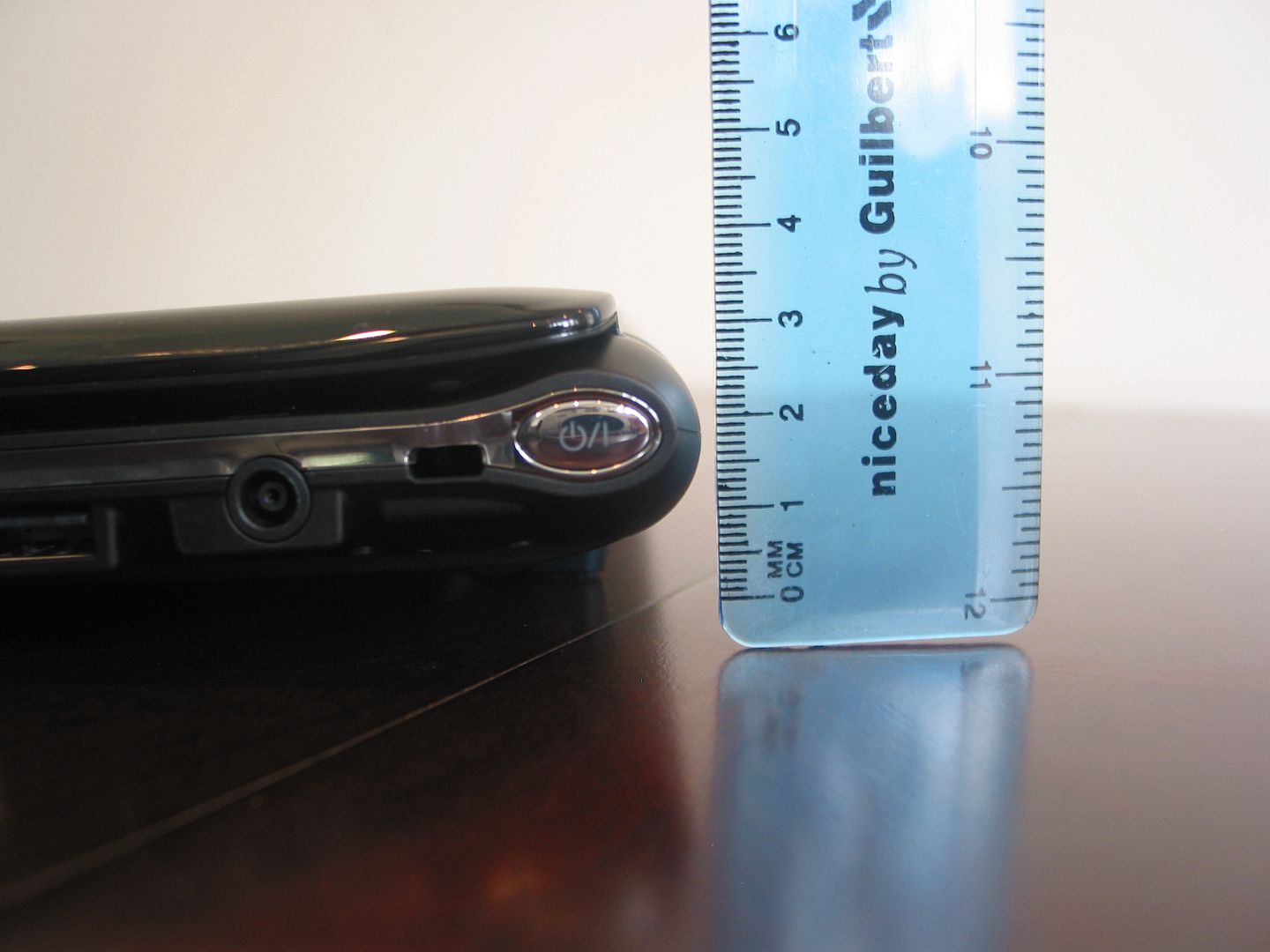
The netbook has a depth of 20.0cm, this compares to 18.9cm for the Samsung N120 and 19.1cm for the Asus Eee PC 1000HE.
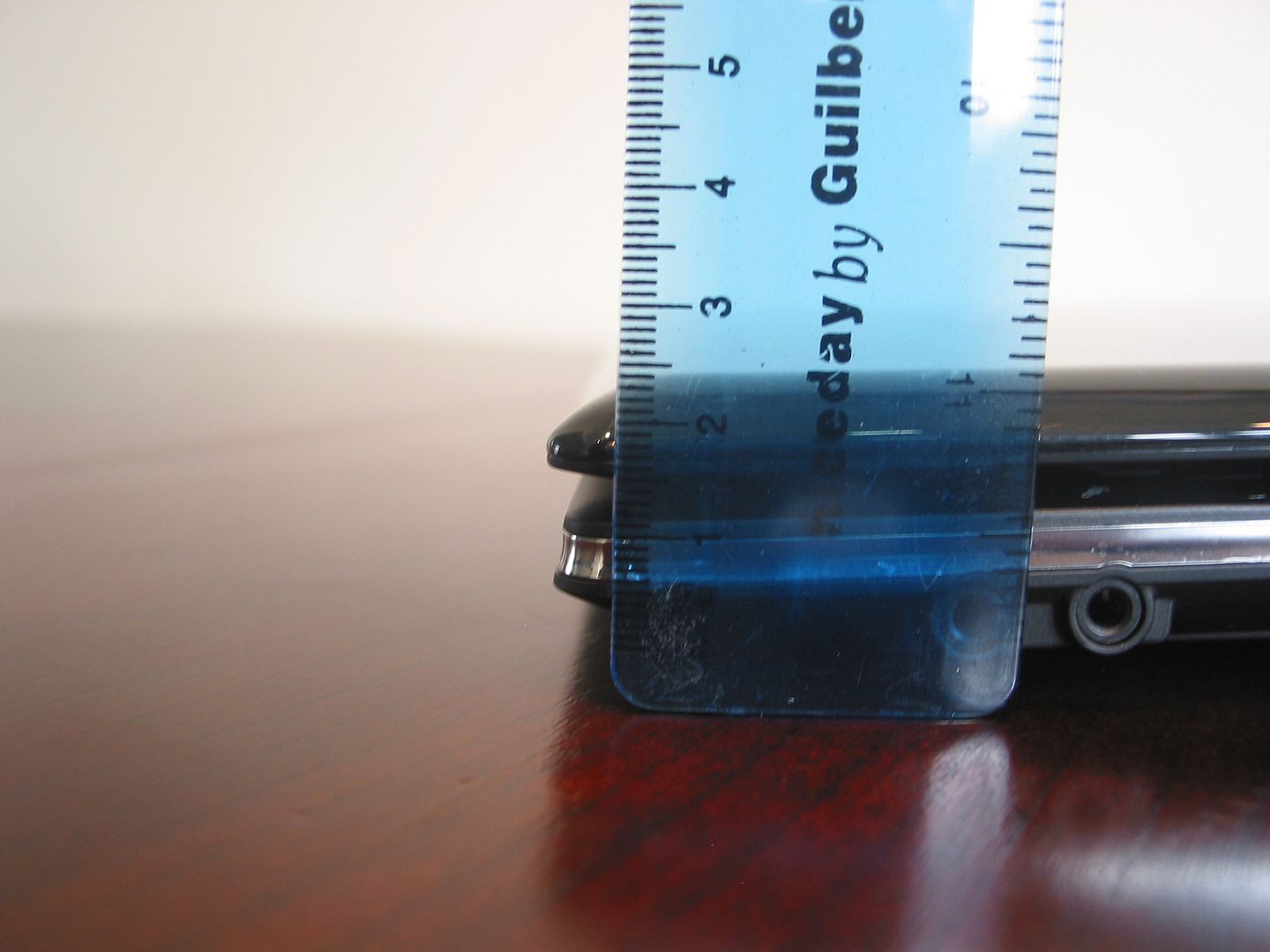
The Samsung N510 varies in thickness. At the back where the battery sits, the netbook is at its thickest point at 30.3mm. Amazingly this is thinner than the Asus Eee PC 1005HA (36.5mm) and 1000HE (38.1mm). It shows how much of a good job Samsung has done in keeping it as thin as possible.
When looking at these pictures, it is worth noting that the ruler does not start from zero. There is a small gap before the gradations start.
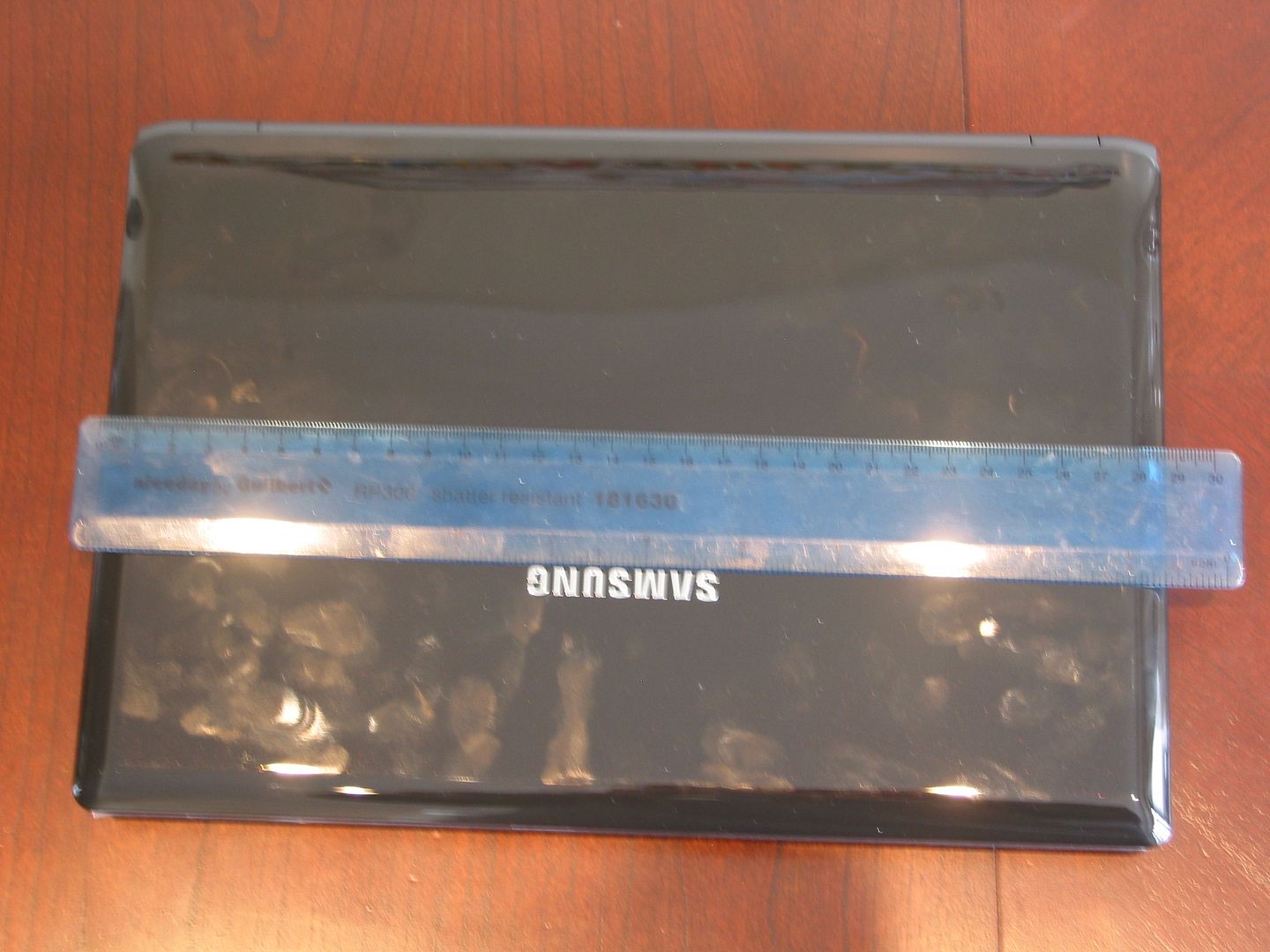
At its thinnest point, the N510 measures 26.5mm. This compares to 10-inch netbooks as follows: Asus Eee PC 1005HA (25.9mm), the MSI Wind U115 measures 19.0mm, the Samsung N120 is 20.33mm and the 1000HE is 28.5mm.
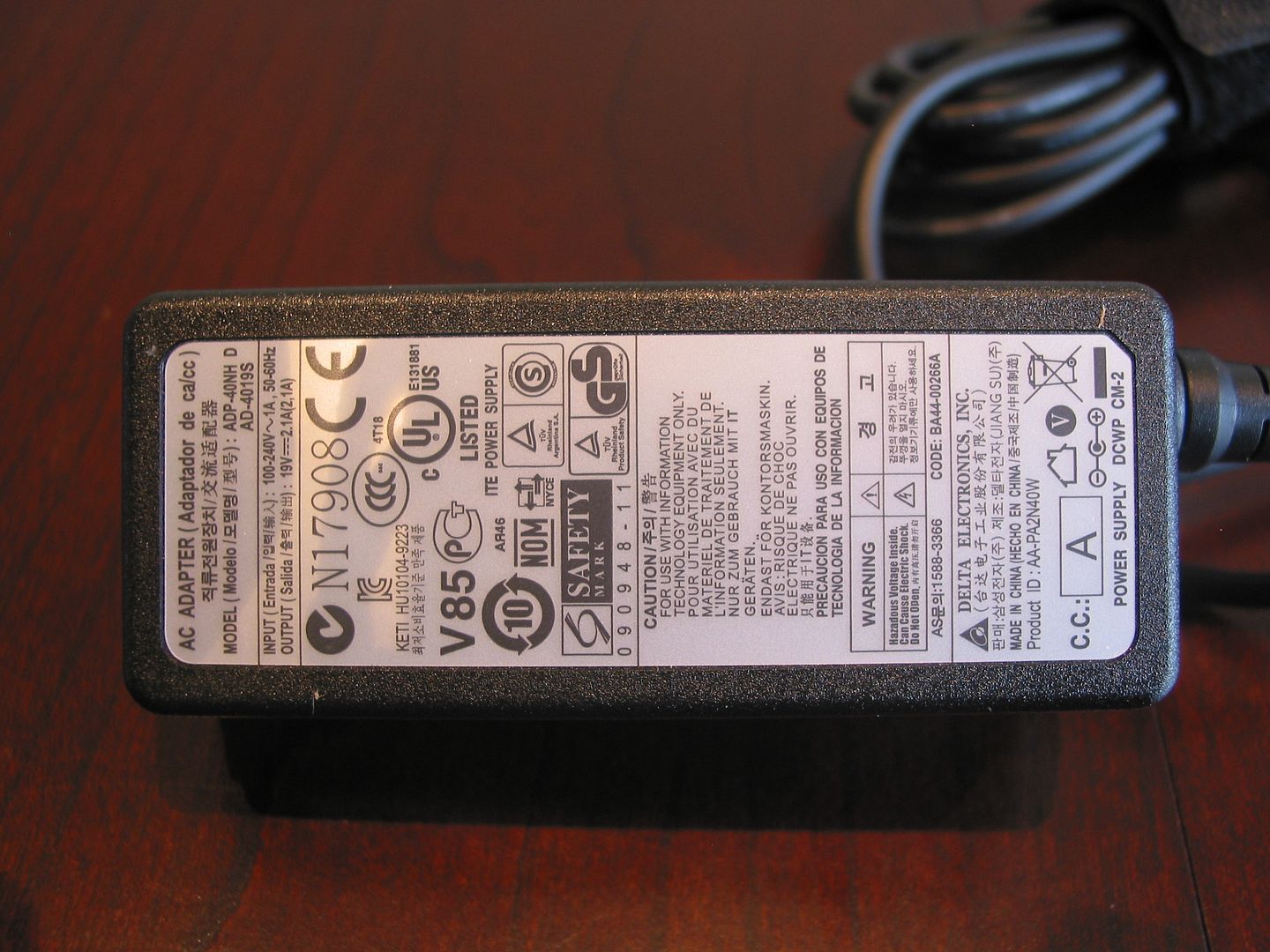
Samsung has taken a few tips from Asus in terms of its power brick. Asus netbooks use some of the smallest power bricks seen in the industry and the Samsung N510’s is only marginally bigger at 35.0mm (W) x 88.5mm (H) x 26.0mm (D). This compares against the Asus Eee PC 1005HA at 34mm (W) x 85mm (H) x 25.5mm (D).
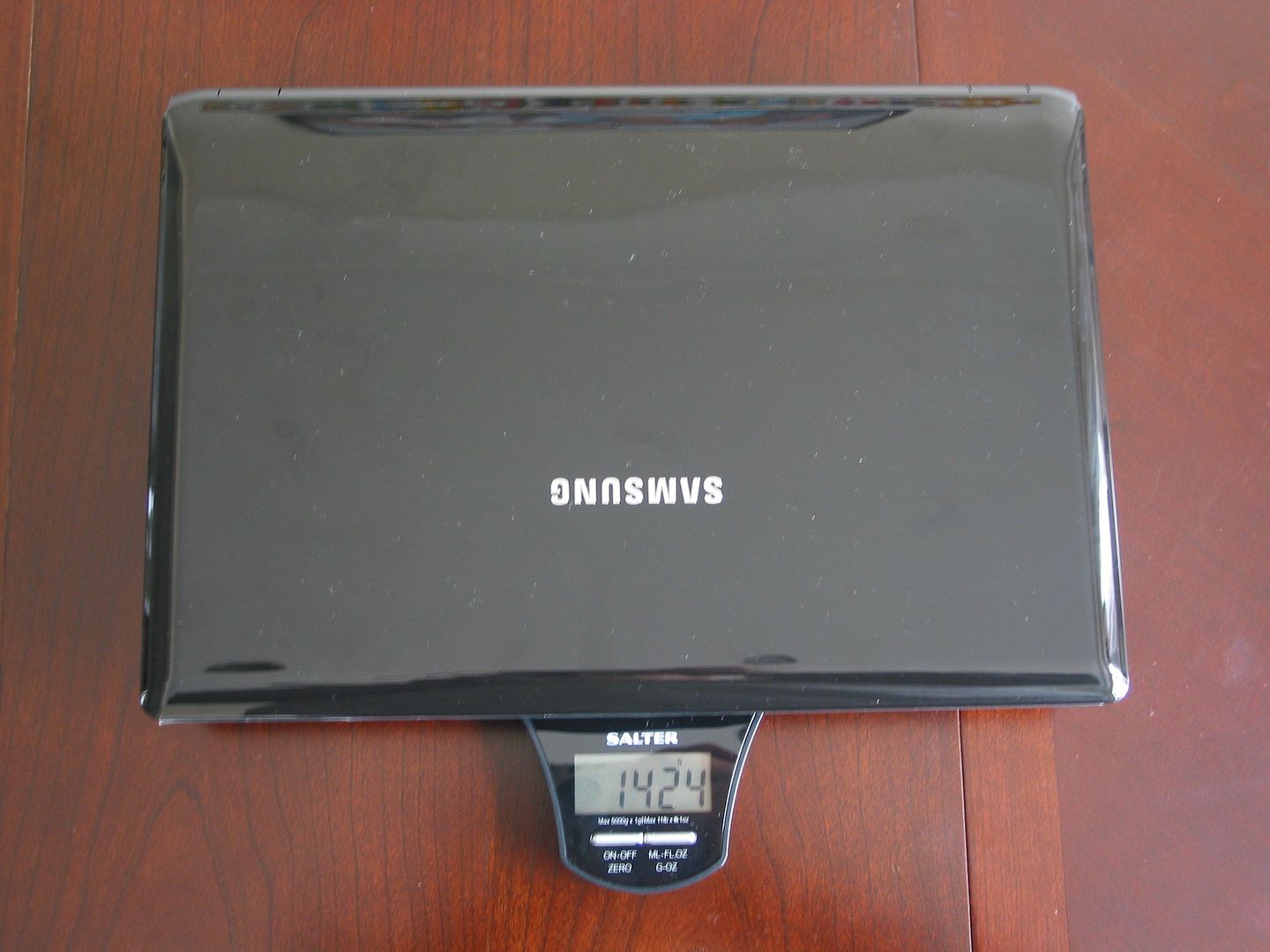
Weight
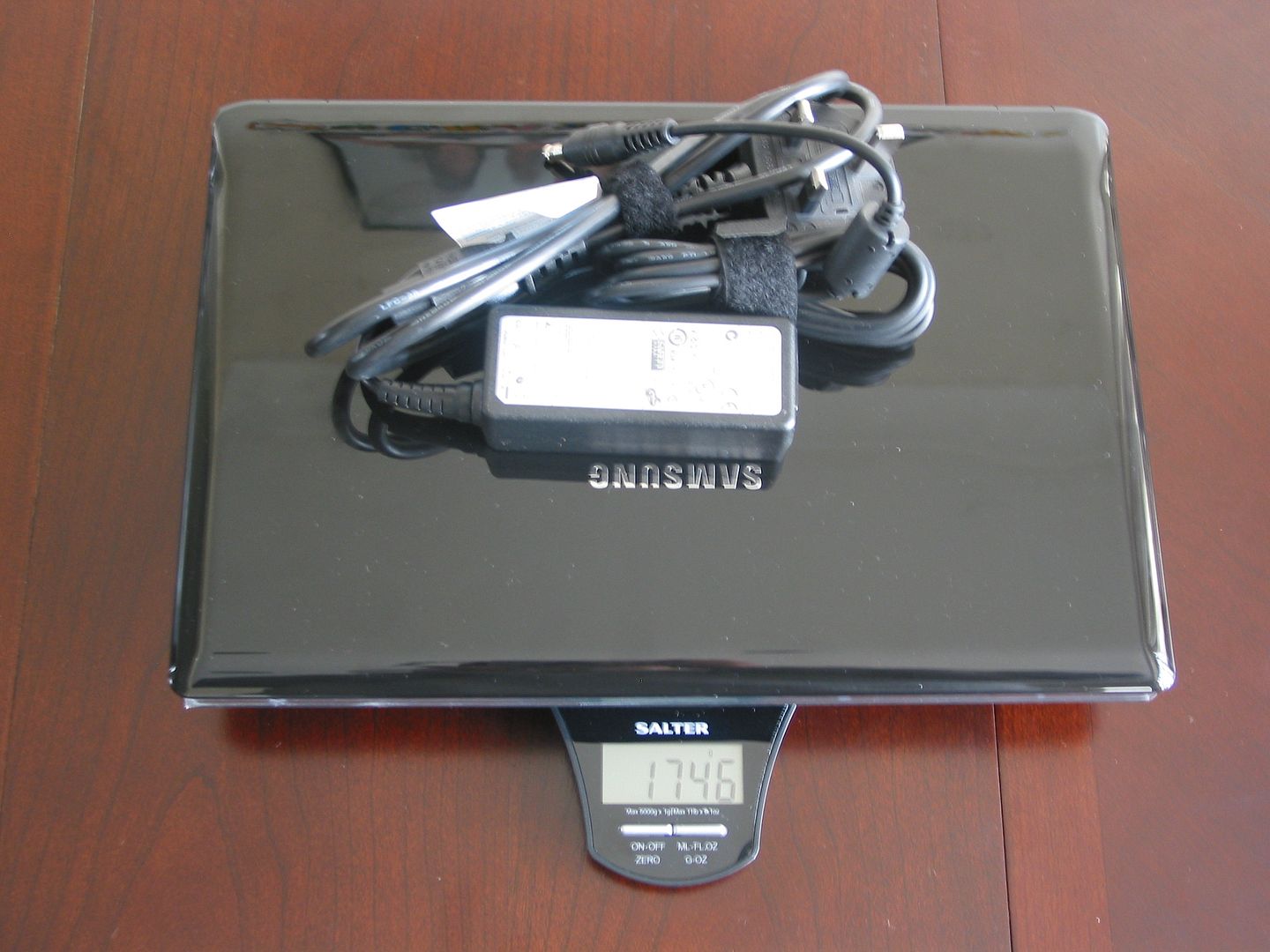
The Samsung N510 weighed 1.424kg according to our measurements. Whilst heavier than most 10-inch netbooks, it’s similar to the Asus Eee PC 1000HE that weighed 1.45kg. It just goes to show the advances in technology even in a small space of time.
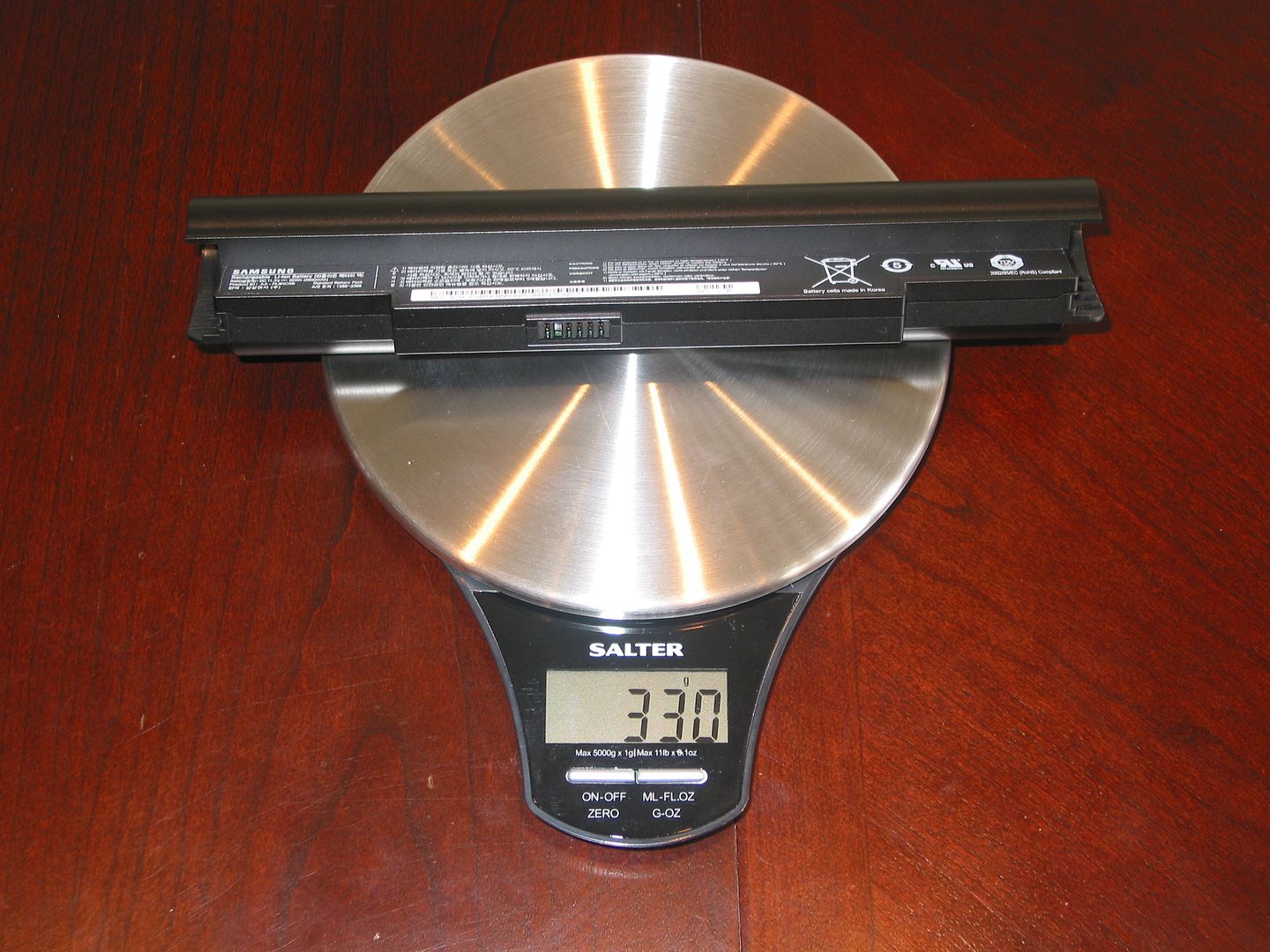
The 6-cell 5900mAh battery weighed 330g, exactly the same weight as the 5900mAh battery used in the Samsung N120 netbook.
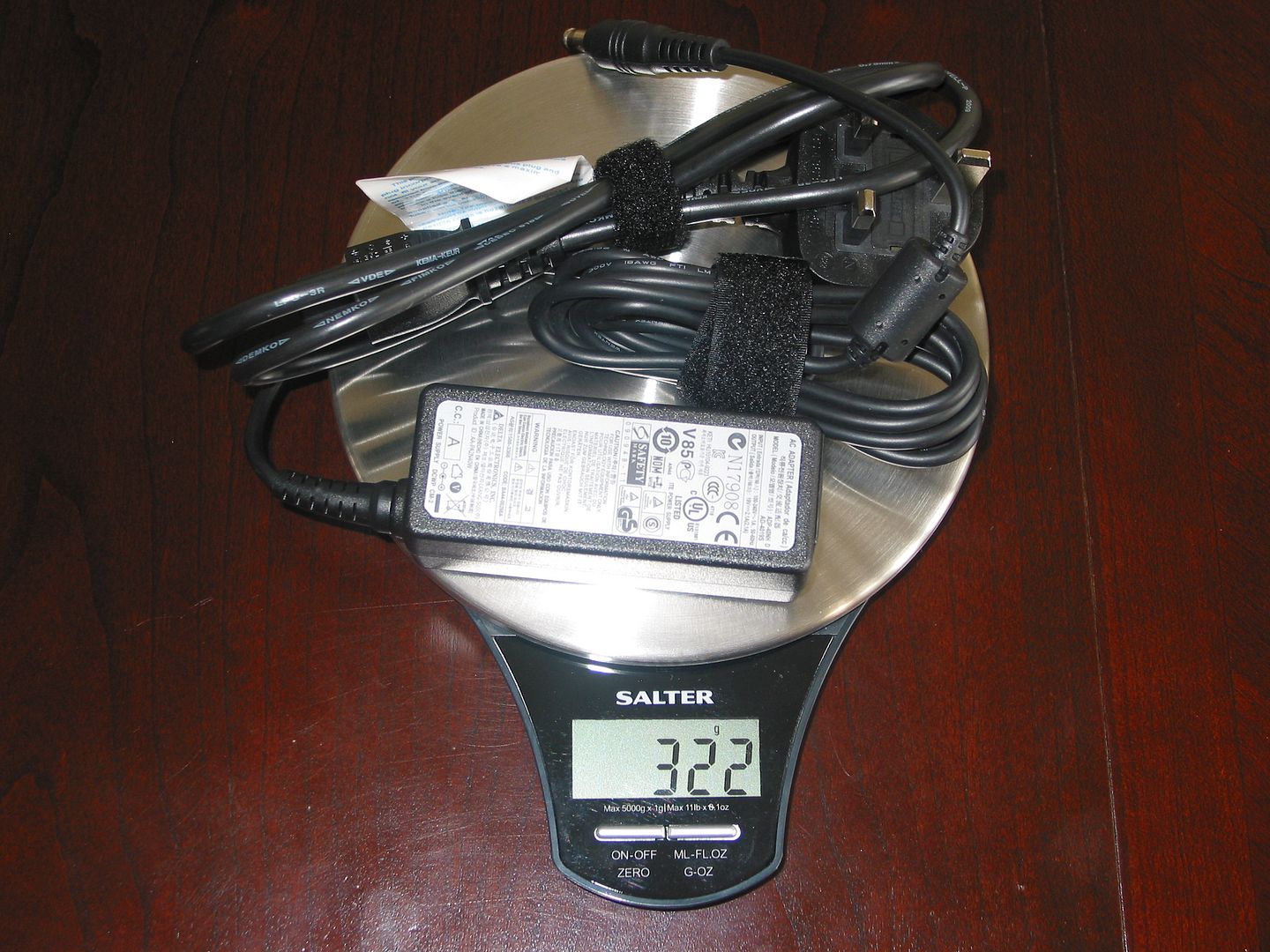
Whilst the power brick may be of a similar size to the Asus Eee PC 1005HA it is certainly heavier at 322g. The Eee PC 1005HA weighs just 258g.
Overall the netbook + cables combined weigh 1.746kg. This makes it just 29g heavier than the Samsung N120’s total weight, although it is lighter than the Eee PC 1000HE at 1.75kg. The Asus Eee PC 1005HA is the lightest though at 1.558kg.
Ports
The Samsung N510 comes with all of the ports that you would expect in a fully featured netbook. The right side of the netbook houses the power button, Kensington lock, power input, two USB ports and a couple of audio jacks.

The oval power button has a blue backlight when pressed. The button is similar to the one seen in the Samsung N120, although the N510 power button has better feedback. Next to this sits the Kensington lock.

The power input is easy to plug in and sits securely. Next to this are two normal USB 2.0 sockets.

The headphone jack sits to the left with the microphone port adjacent to it. As with the N120, we feel that having these ports coloured green and pink respectively would have made things just that much clearer, rather than both ports being black in colour.

The left side of the netbook houses the Ethernet, VGA, fan vent, HDMI and the third USB port.

The Ethernet port is 10/100M bit only so no Gigabit support here. It’s good to see the Ethernet port on the edge, keeping it out of the way when connected.

The VGA port comes next, placed adjacent to the fan vent. The vent can get quite warm when CPU utilisation is high, but on average air pushed out was mostly just warm.

The Samsung N510 has a HDMI out that can be used to output HD video to an external display. The third USB port is chargeable which means that small peripherals can be charged even whilst the N510 is off, all you need to do is enable this setting in the bios.

The 3-in-1 card reader (SD, SDHC, MMC) sits at the front of the netbook. It’s a shame to see that when a SD card is placed into the holder it sticks out a little from the front.


Features
The Samsung N510 comes with a number of its own utilities that covers everything from battery life, wireless connectivity to troubleshooting. The Samsung Magic Doctor is a wizard that goes through all components of the netbook (processor, memory, hard drive) and diagnoses any current problems or potential problems. You can even restore if there has been a big problem.

Samsung Recovery Solution III is a similar restore tool that allows you to restore your computer using one of two restore types; a Basic Restore or a Complete Restore.

The Samsung Update Plus utility is mainly a software checking utility for Samsung software. It makes sure all Samsung software is kept up to date.


The Samsung N510 comes with a 1.3MP webcam. The performance is as good as you’ll find in most premium netbooks. It offers crisp pictures with a decent frame rate.

Samsung didn’t learn its lesson in terms of mic placement from the N120. First you’ll only find a solitary mic on the N510, as compared to the dual-mics seen on most Asus netbooks. Secondly, the mic is placed just above the keyboard. This means that if you are trying to type whilst using the webcam, the sound of you tapping away can overshadow the conversation.

Connectivity
The Samsung N510 offers the latest wireless connectivity in terms of draft-N Wi-Fi support and the Bluetooth 2.1 + EDR standard. We had no problems in connecting to a wireless network, being able to do so quickly and holding onto a strong signal.
To manage your network settings on the move, Samsung provides a utility called the Easy Network manager. This allows you to configure your network settings for different locations so that you can access the network in a single click, rather than having to input the different settings again and again.

Keyboard
One of the advantages of an 11.6-inch netbook is the extra room in the chassis that can be used for a bigger keyboard. Samsung could have made the most of this with the N510 but instead chose to use the exact keyboard seen in the N120. You can see from the space available on the left and right edges of the keyboard that Samsung could have squeezed something larger.
One can’t begrudge Samsung too much though as the Samsung N120 was one of the widest 10-inch netbooks around due to it fitting a 97 percent sized keyboard. We also thought that the Samsung N120’s keyboard was one of the best we’ve tested. As you would therefore expect, we very much liked using the Samsung N510 keyboard. The N510 uses normal keys rather than the current trends of chiclet or flat-key keyboards.

Most of the keys are in the right place, there are two shift keys although the right shift key is quite small. Much like the N120, we also are not fond of finding the Windows key on the right side of the space bar. The arrow keys also felt a bit cramped. This meant that the assigned Fn keys were often mishit, the ‘Home’ and ‘End’ keys in particular kept tripping me up. However, it would be churlish to mark the keyboard down for this, given how solid an overall experience it provides.

The width of the keyboard alone measures 259mm and the height measures 102mm. You can see the space on the edge of the keyboard that could have been used to stretch the keyboard.
The left side of the keyboard shows no unusual button placement. Everything is where we would hope to find it. A number of shortcut Function keys sit at the top that control display brightness, audio volume, wireless activity etc.

The space bar is also a bit small, but didn’t pose a problem when typing. As can be seen, each key has a substantial width to that makes it very comfortable to touch type.

The keys measure 18mm in width and 17mm in height according to my measurements. There is also 18.5mm spacing between the keys which means errors should be kept to a minimum.

Each key offers good tactile feedback and travel that makes the keyboard comfortable to type over long periods.

The keyboard is as solid as the one found on the Samsung N120 and sees no keyboard flex, even in the middle. I found it to be one of the most comfortable keyboards to use over long periods and one of the best around.

Touchpad
Whilst the N510 keyboard is exactly the same as found in the Samsung N120 (including dimensions), the touchpad in the N510 is a bit bigger. The touchpad in the N510 measures 70mm (W) x 42mm (H) as opposed to the N120 which measured 64mm (W) x 35mm (H). Despite these improvements, we would have still preferred to see it with slightly more width, especially as the room is there.

The touchpad was responsive to the touch and offers precise control. It has a slightly resistive surface that allows your finger to easily glide across. A number of gestures are supported, including chiral-scroll, although I found this to be hit and miss.

The single rocker button placed underneath the touchpad is slightly raised. I found it comfortable to use, with the left and right buttons having just the right amount of tension to register commands.

Display
The Samsung N510 comes with an 11.6-inch LED backlit display with a high resolution of 1366 x 768 pixels. Despite the trend towards glossy displays, it is great to see the N510 sporting a matte (non-glare) display.
Whilst it may not offer the vibrant colours of a glossy display (indoors), matte displays are much more practical for day-to-day use. For a device that may be used on the road, a matte display means you do not have to contort yourself and your netbook into funny shapes just to read what’s on the screen.

The display is easy enough to read even under strong lights. However, I often found that brightness levels needed to be at least 75 percent to be legible. Above this level there were no problems, however below this level the display was too dim to read properly. You would only probably go below if sitting in a low-light environment such as a plane.

Under strong light the display is barely readable although we’d still prefer to have this netbook out on the road with us compared to one with glossy display.

Matte displays don’t give you the colour saturation found on glossy displays, despite this the contrast and detail was good. The screen is viewable under most lighting conditions with reasonable viewing angles. Text was rendered crisp and sharp.

We found the high resolution (1366 x 768) display a joy to use. Yes text is sharper and smaller than we’re used to seeing on a 10-inch netbook, but this HD resolution combined with a larger 11.6” display worked well. We think this is a sweet-spot for netbooks and believe that a 10-inch netbook with HD display would be uncomfortable over long periods.

Speakers
The Samsung N510 comes with two 1.5 watt speakers located on the underside of the chassis. The sound quality is nearly as good as that found on the Samsung N120, although the missing subwoofer does make a difference in terms of the mid-range. The Samsung N120 also had front mounted speakers that gave better audio imaging, something that’s difficult with bottom mounted speakers.
The N510 doesn’t deliver the loudest volume but it maintains composure even at its highest levels. Sound was crisp and combined with SRS is some of the best you’ll hear on a netbook.

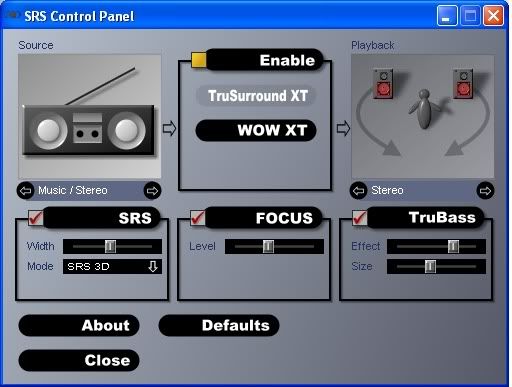
The Samsung N510 comes with SRS software that really makes a difference depending on the audio source. Different settings can be used for music or movies. The difference between SRS being on and off is quite stark. Turning SRS off leaves music sounding very flat.
We only wish it was better located, SRS can be found in the Control Panel, however a useful tool like this should be either on the Desktop or Program shortcut. I wonder how many people will even know it exists.
Heat & Noise
We found the Samsung N510 to be reasonably cool, even during extended use. The palm rest never gets uncomfortably hot and the vent only emits warm air at worst.
Noise levels were also quiet at anything but high loads. The N510 is not silent under normal use, however the slight whirr is not disturbing. Under high CPU usage you can hear the fan, but it didn’t distract me.
Performance
The Samsung N510 is powered by a 1.66GHz N280 Atom processor. This has a 512KB cache, 667MHz FSB and supports Hyper-Threading Technology, allowing the operating system to run two threads on one core. Samsung provides no official means to overclock the processor, unlike Asus’ Super Hybrid Engine that allows you to overclock (or underclock) the CPU depending on usage.
The real page turner for the N510 however is the inclusion of the Nvidia ION chipset. This compromises of the Nvidia GeForce 9400M GPU with 128MB memory. The inclusion of the Nvidia graphics part brings the ability to play HD video & Flash content as well as 3D games (albeit at low resolutions).
Much like most other netbooks, I found the Samsung N510 to be perfectly acceptable in terms of light multi-tasking including browsing, streaming music as well as using Office documents. If you use the right software, there is no reason why you can’t do even heavier multi-tasking. Many programs are CPU dependent so ION doesn’t really make any difference, for now.

Video Performance
The Nvidia ION chipset brings with it a tangible difference when trying to view high-definition video content. Hardware acceleration means that we could play 1080p videos buttery smooth with just 25 to 30 percent CPU usage. It really was quite refreshing being able to play 1080p .mov trailers and videos without any effort whatsoever.
Obviously, you need to use a media player capable of DXVA (DirectX Video Acceleration) that takes advantage of the Nvidia ION chipset. Thankfully, Samsung has included such software in the package in the form of CyberLink PowerDVD 8. You could also download Media Player Classic Home Cinema that has wider codec support. If you install Windows 7 on the N510 at a later point then Windows Media Player 12 includes native DXVA support.
HD Flash Video
Trying to play flash video has often been too much for netbooks to handle. Most netbooks I’ve played around with often had a very high CPU usage even when just playing standard YouTube video content. Thankfully, there’s no such problem with the ION-powered Samsung N510.
Adobe recently released a new (beta) version of Flash that brought with it hardware acceleration. We’re happy to say that it worked very well on the N510. We needed to update the Nvidia driver to 195.62 and used the Adobe Flash Player 10.2 beta 2 (10.1.51.66).
We were able to play both 720p and 1080p HD windowed YouTube video without problems, CPU usage was around the 70-80 percent mark. However, whilst 1080p full screen video was watchable you could notice the dropped frames that meant it wasn’t smooth. Without Flash Player 10.1 though the HD YouTube video was literally a slideshow and completely unwatchable. ION is a definite big advantage here.
Games
Playing games is a definite possibility on the Samsung N510 although you need to be realistic in terms of what the ION chipset can achieve. We tested some of the latest games including Modern Warfare 2 and F.E.A.R 2 and just about got it running at 20fps with the lowest resolution (800 x 600) and the lowest settings. Obviously these types of games are probably asking too much for the system but it’s nice to know it’s an option.
Benchmarks
As usual, we ran a number of different benchmarks to see exactly how the N510 fares against its peers. All tests were conducted at the stock speed (1.66GHz) of the CPU. All benchmark tests were undertaken in battery mode.
Boot time
The Samsung N510 had reasonably quick boot times, taking 34.3 seconds to reach the log on screen. Shutting down was also very quick at 22.7 seconds. Both of these were average times taken across three attempts.
GeekBench
Geekbench provides a number of different benchmarks to accurately measure processor and memory performance. The N510 came top with a score of 924, beating the second-placed 1000HE (913).

3DMark03
The dedicated graphics chipset really shows here delivering a score of 3,593 compared to second-placed 1000HE with 780.

3DMark06
The same result is seen with 3DMark06, with the N510 trouncing the competition with a score of 1,301.

Super Pi
Using Super Pi to calculate Pi to 1 million digits took the N510 90 seconds, not quite as fast as the 1000HE at 88 seconds. This shows that with no hardware acceleration, the N510 is as fast/slow as typical netbooks on the market.

For those that may be interested, we ran Super Pi across all digits and we have included the results below.

wPrime
The Samsung N510 scored the fastest time in wPrime, taking 117.546 seconds to complete the 32M test. This is under five seconds faster than the MSI Wind U115.
This was also the case on the 1024M test with the N510 completing it in 3,753 seconds. This is ahead of the U115 at 3,921 seconds.

7-Zip
7-Zip is a free compression tool and genuine alternative to WinRAR. Decompressing a large file is one of those places where a slower CPU can leave you waiting for a few seconds, so we thought it would be a fitting application to test. Using the internal benchmark this measures compression and decompression performance in MIPS and provides an average result.
It is multi-threaded so takes advantage of the latest multi-core enabled CPUs. The N280 Atom CPU supports Hyper-Threading Technology, allowing the operating system to run two threads on one core. We therefore ran the benchmark using two CPU threads. We left the benchmark to accumulate at least 10 runs using a 32MB Dictionary size in order to get a solid, average result. The N510 scored 1324 MIPS coming ahead of the Samsung N120 at 1295MIPs.

Peacekeeper
FutureMark’s Peacekeeper is a benchmark that uses JavaScript to measure browser performance during web rendering. Given that one of the main tasks on netbooks is surfing the net, we thought it we would be an apt benchmark to use. However, as you would expect, the performance can differ greatly depending on which browser is used.
For this test, we ran it across Internet Explorer 8 (8.0.6001.18702), Firefox (3.0.10) and Opera (9.64). As can be seen below, the N510 scored the best results we’ve seen so far.

CrystalMark
CrystalMark is a benchmarking utility for testing your computer performance by running various benchmark tests. CrystalMark lets you test your CPU, memory, HDD and Video (GDI, Direct Draw, OpenGL). The overall score of 40,203 was significantly ahead of the competition (the 1000HE scored 30,146) mainly due to the ION chipset.

CrystalDiskMark
CrystalDiskMark evaluates the performance of your hard drives based on two tests – a sequential read/write test and a random read/write test. You can select the drive to test, the number of test and the size of the data to test which can be 50MB, 100MB, 500MB and 1000MB. The results displayed below have been conducted using 5 rounds of the 100MB test. The read/write speeds for the HDD marginally faster than the Samsung N120.

HD Tune
HD Tune is a hard disk utility that can measure the raw performance of your drive, including transfer rate, burst rate and access time. The average transfer rate of the HDD was 52.5MB/sec whilst the access time was 21.0ms.

Battery Life
The Samsung N510 comes with a 6-cell lithium ion battery rated at 5900mAh. Samsung quotes 7 hours of battery life based on the BatteryMark test. We were quite keen to see just how well the N510 fared. We weren’t expecting miracles after all this is the first 11.6-inch netbook that we have formally tested. The extra screen real estate and higher resolution are all factors that will hit battery life, along with the Nvidia ION chipset.

If you are one of those people that run your netbook mostly through the power supply, then Samsung has the ‘Battery Life Extender Mode’. When enabled, this will only charge the battery up to 80 percent, the idea being that it will reduce the battery ageing process and prolong overall battery life.

The main app to manage the battery settings comes in the form of the ‘Battery Manager’. Through this utility you can select the brightness levels when used on battery or AC power. You can also select LCD dimming time modes as well as CPU speed.

Battery Manager is also used to determine when the monitor and hard disks should be turned off, along with determining system standby and hibernation sleep modes.

We have used a number of different scenario tests to determine what kind of battery life to expect from the Samsung N510. Battery life is one of the most critical considerations to make when choosing a netbook. As with our previous reviews, we avoid using synthetic battery tests to determine battery life. Apps, such as Battery Eater, are designed to determine the extreme points of battery performance and we just feel that they are not representative of what the netbook will be used for. We also feel that they are of limited use to our readers, who want real-world examples of what the netbook is capable of.
Airplane
We replicate an environment where one may want to watch video throughout an airplane journey. For this test we turned off both Wi-Fi and the webcam. Screen brightness was set to 60 percent (given the dark environment) and audio was set to 50 percent. We also plugged in a pair of headphones (noise cancelling Sennheiser PXC 250’s) to make the test as authentic as possible. We then looped an AVI video file continuously on full screen until the battery died.
Result: In this scenario, we found that the battery lasted for 283 minutes (4 hours and 43 minutes). Unsurprisingly, this puts it last in the list, but only 39 minutes off the time set by the Samsung N120.

Business
For this test, we simulated the likely setting one would use if using the netbook on the move for business. We had Wi-Fi and the webcam switched on. The screen was set to 50 percent brightness and audio at 50 percent. To make sure the Wi-Fi was being used, we also opened the Opera browser and set a couple of web pages to refresh every 30 seconds.
Result: Under this scenario, the battery lasted for 245 minutes (4 hours and 5 minutes). This is 92 minutes (1 hour 32 minutes) behind the Samsung N120.

Coffee Shop
Here we replicated an environment where you might surf the net or watch YouTube whilst having a coffee. For this test we turned on Wi-Fi (and left the webcam off). Screen brightness was 100 percent whilst audio was at 50 percent. We streamed a standard YouTube video on an endless loop until the battery died.
Result: Under this test, the battery lasted for 196 minutes (3 hours and 16 minutes), exactly 39 minutes behind the Samsung N120.

Jukebox
This particular test involved streaming music over a wireless network. Audio was set to 75 percent, whilst brightness was set to 25 percent. Wi-Fi was switched on, but the webcam was switched off. An album was looped until the battery died.
Result: The Samsung N510 lasted for 290 minutes (4 hours and 50 minutes), again 39 minutes lower than the Samsung N120.

Summary
It was unsurprising to see the Samsung N510 place last under all four testing scenarios. However, what was unusual (or perhaps a coincidence) was that in three of the four tests, the Samsung N510 lasted exactly 39 minutes shorter than the Samsung N120. Both netbooks use a 5900mAh 6-cell battery, so the delta is likely to be the additional drain due to the larger panel size.
None of these results were close to the 7 hours quoted by Samsung, although under real world use I imagine that you could around 5 hours of usage before the battery died. This is still a reasonable result considering the 11.6-inch display and inclusion of Nvidia ION. It is worth mentioning that if running Windows 7 on the N510 you are likely to see lower battery times than the ones presented.
Conclusion
The Samsung N510 presents two firsts for the company. It is their first 11.6-inch netbook along with being its first model equipped with the Nvidia ION chipset. We really like the 11.6-inch form factor, Samsung has managed to squeeze this larger panel into a chassis not too much bigger or heavier than some 10-inch netbooks. The extra real estate provided by the 1366 x 768 resolution display is welcome and not too small to cause discomfort over longer periods.
The display size and resolution are perfectly suited to benefit from the extra graphical power that Nvidia ION brings. The N510 is the first netbook we’ve tested with ION and I have to say I’m in love, it handled most tasks we threw at it with aplomb. I’m absolutely convinced that the extra dimension that ION provides for video decoding (including flash video) and gaming is essential for anyone wanting to use their netbook for multimedia purposes.
All of the above does come at the cost of battery life, but all things considered, getting four and a half to five hours use out of the N510 should still be good enough for those users willing to trade-off the multimedia benefits. Combine this with a netbook that has superb build quality, a matte display, one of the best keyboard we’ve used, easy upgrading potential, responsive touchpad as well as a feature-rich spec sheet (including HDMI) and surely there’s little to fault here?
Well there are a few points we should mention. The display is not the best we’ve seen, whilst it does go bright enough, you need to use it consistently above 75 percent brightness under most lighting conditions. Colour saturation also wasn’t great. Apart from that the glossy lid is a fingerprint magnet that’s especially pronounced given the black finish and the keyboard has a small right shift key that could frustrate some users.
The biggest hurdle that Samsung faces with the N510 is the price. Here in the UK the RRP is £399, although you can find it for around the £380 mark. Considering that these SKUs are still only shipping with Windows XP you might start to feel short changed for what is a premium-priced netbook. A Windows 7 version is planned for the UK market, but we heard it was meant to land in early December but still can’t see it listed. We also don’t know whether this new W7 SKU will be priced higher than the current XP model.
The Samsung N510 also faces stiff competition with the Compaq Mini 311c (HP Mini 311) that also has ION but comes with a 1.6GHz N270 Atom instead of the N280 Atom on the N510. The Mini 311 is priced around £315, which is £65 cheaper than the N510. Then next month, Asus will launch the ION-powered Eee PC 1201N that comes with a dual-core 1.6GHz Atom 330 processor. This 12.1-inch model will have the same RRP as the N510 (£399) but will come with Windows 7 Home Premium. Battery life may not be as good as the N510, but given how keenly priced the competition is, Samsung would do well to take a good look at the price point.
Despite concerns on price, the Samsung N510 is still a mighty fine netbook. However, you may want to wait for the Asus Eee PC 1201N release before laying down your hard-earned cash. If not for anything else, the price should come down once there’s some true competition in the market.


December 31st, 2009 11:06 PM
you should try to make your review a little more thorough- lol jk
January 5th, 2010 1:31 PM
Very nice review Tej! It certainly seems like a winner, until a newer one comes out…
One question though: For you XP is a negative while I would think it is more of a positive at is keeps cost down, less likelyhood for ‘errors’ (craches), longer batery life and the ability to run all necessary programs at the same time.
The latter referring to Windows7 starter of course.
Keep up the good work lads!
Igor
January 5th, 2010 1:50 PM
Fair points Igor. I suppose compared against the Asus Eee PC 1201N, which will come with Windows 7 Home Premium, I just felt that the N510 should be priced more keenly. Especially as both have the same recommended price, but the 1201N is also equipped with a dual-core Atom.
Personally, I have no isses with Windows XP, but when it comes to DXVA compatibility (bult-in WMP12) and likely better future driver support (just look at the situation with GMA500 drivers), Windows 7 has the edge if you’re keen on playing HD video content.
However, saying that, I had no problems in getting HD video to work in XP, you just have to know the right programs to use (a lot of people don’t!) I’m also not sure whether I’d want to suffer the battery downgrade that W7 would also bring…
January 6th, 2010 7:47 PM
Hi,
You know if the motherboard has eSata capabilities ?
I see your modd on the asus and i would like to know if it’s possible with the N510 🙂
Thanks,
January 7th, 2010 6:22 PM
XP works well. Hopefully we still get to see XP in newer netbooks to dish out HD content flawlessly, save battery life and ofcourse cost even if MS is gunning for Win7 sales. I use XP & its doing its job well & so I intend to keep it running for a long time.
Couldn’t have asked for better reviews … this is best !! We await newer model reviews from Tej. Any from CES ?
March 15th, 2011 12:32 PM
The NVIDIA chip on this is not compatible with Philips HD tvs. So if you connect it via HDMI you get video but audio stays on the N510.
Not an issue for most, but it is for me, as I bought it specifically to connect to a Philips.
March 28th, 2011 11:26 AM
The Samsung N510’s battery (Samsung aa-pb0uc3b).