


NbC: Samsung N120 Review
May 18, 2009 at 9:32 am
Keyboard
One of the key marketing points for the Samsung N120 is that it manages to pack in a full-size 12-inch keyboard into a netbook with 10.1-inch display. To get one misconception out of the way, despite all of the marketing talk, the N120 keyboard is actually 97 percent the size of a full-size keyboard. However, there is no doubt that this is one of the largest keyboards to grace a 10-inch netbook. The Samsung N120 fits a ‘full-size’ keyboard into its chassis, despite being only 11mm wider than the Samsung NC10.
The N120 uses a normal keyboard rather than the new type of chiclet keyboard found in some netbook models. Whilst we found the chiclet keyboard in the Asus Eee PC 1000HE comfortable to use, a certain amount of keyboard flex and ‘key rattle’ marred the overall experience. There are no such issues with the N120. Samsung has always used larger keyboards in its netbooks as seen in the NC10.However, the experience on the N120 is a step above.
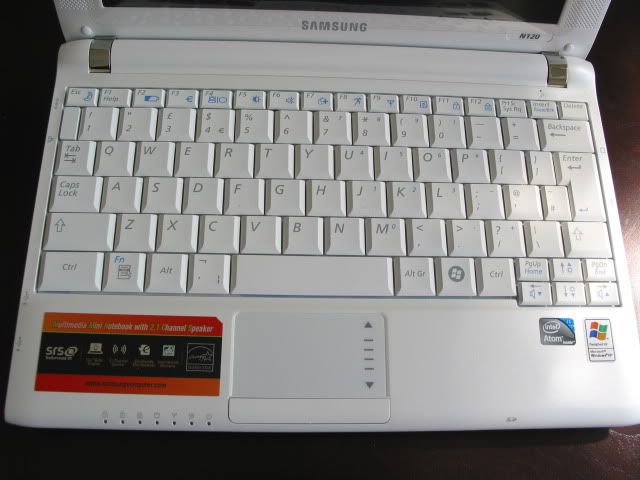
This is without doubt one of the best keyboards we’ve used on a netbook. All of the keys are in the right place, there are two large shift keys on either side of the keyboard. The right hand shift key sits under the ‘Enter’ key as it should. The space bar is a little small, but it doesn’t hinder typing.
A couple of (small) points broke the immersion though. The first is that the Windows key is on the right side of the space bar, which took some getting used to. The other is that the arrow keys felt a bit cramped. This meant that the assigned Fn keys were often mishit, the ‘Home’ and ‘End’ keys in particular kept tripping me up. However, it would be churlish to mark the keyboard down for this, given how solid an overall experience it provides.
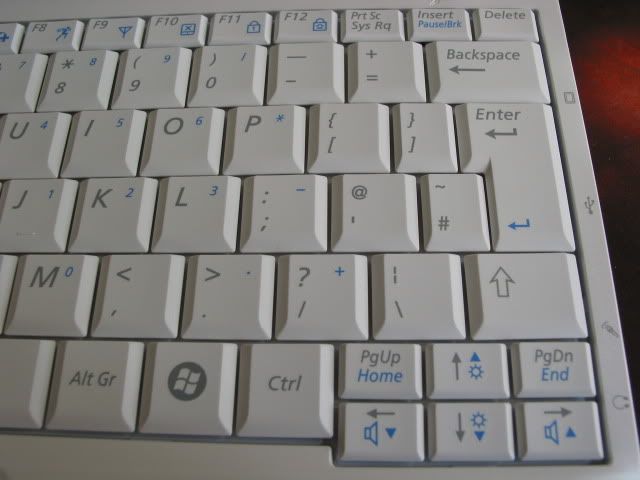
The width of the keyboard alone measures 259mm and the height measures 102mm.
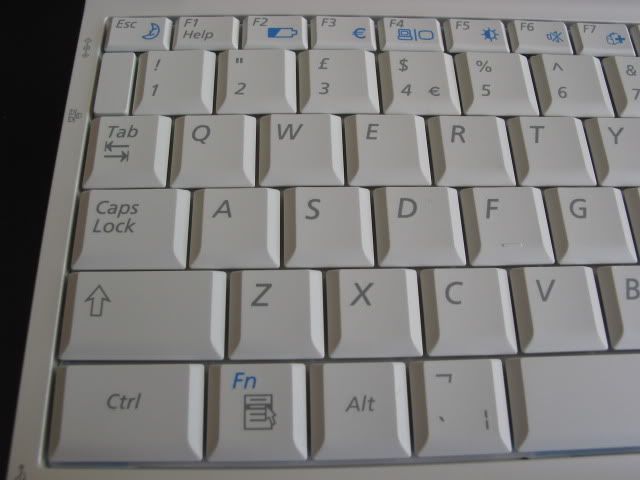
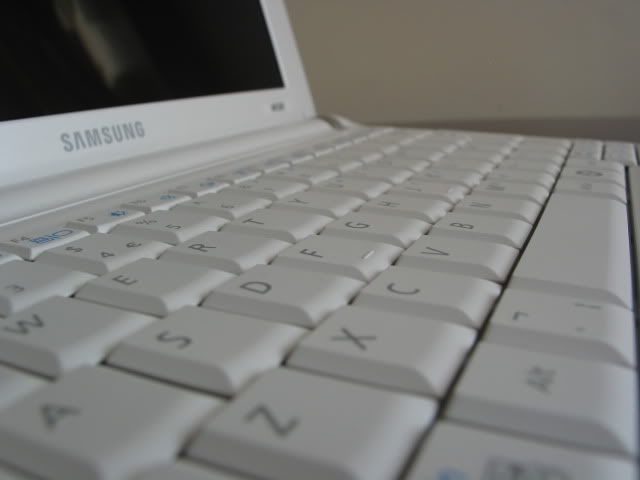
The space bar felt a little small, but it didn’t pose a problem when typing. As can be seen, each key is a substantial width to them that is unrivalled in any 10-inch netbook released to date. This makes it very comfortable to touch type.
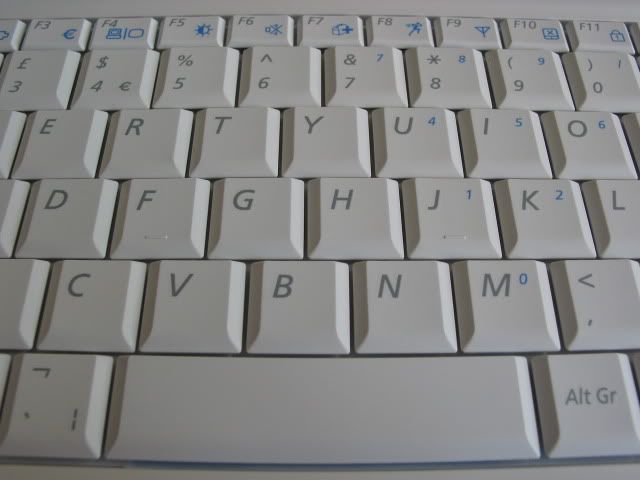
The keys measure 18mm in width and 17mm in height according to my measurements. There is also 18.5mm spacing (an extra mm over the Eee PC 1000HE) between the keys which means errors should be kept to a minimum.
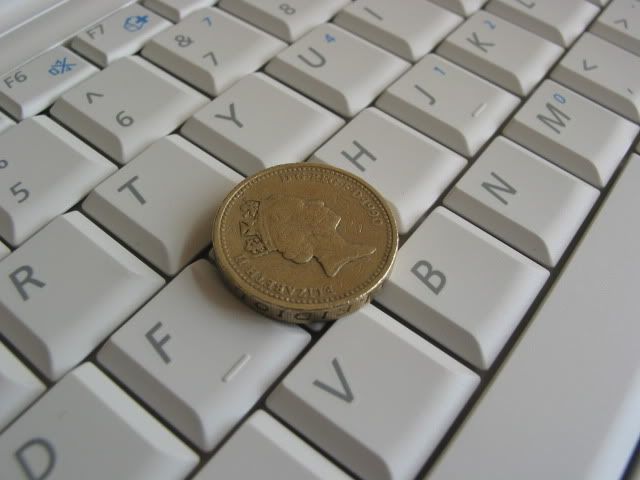
Each key has good tactile feedback, although if we are being picky, slightly more travel when pressing the key down would have made the experience better. Not that it spoils the experience mind.
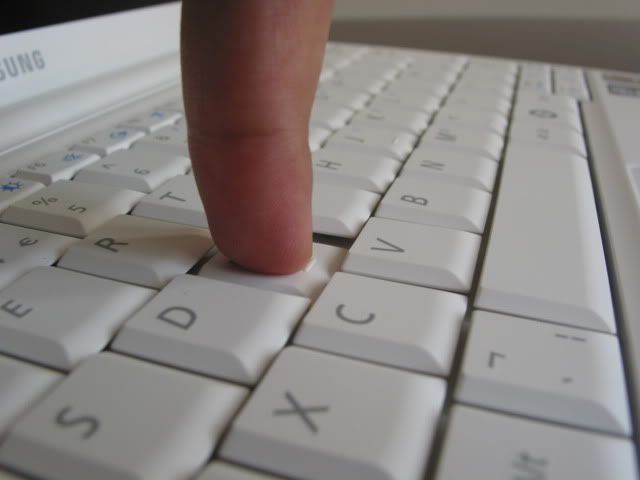
One of the best compliments that I can give the keyboard is that when using it in full flow, I often didn’t think about the keyboard experience. When you are not worrying how cramped a keyboard is, or why the buttons are in the wrong places then you know you’re onto a winner. I was able to type nearly as fast as I can on a desktop keyboard with few errors.
Touchpad
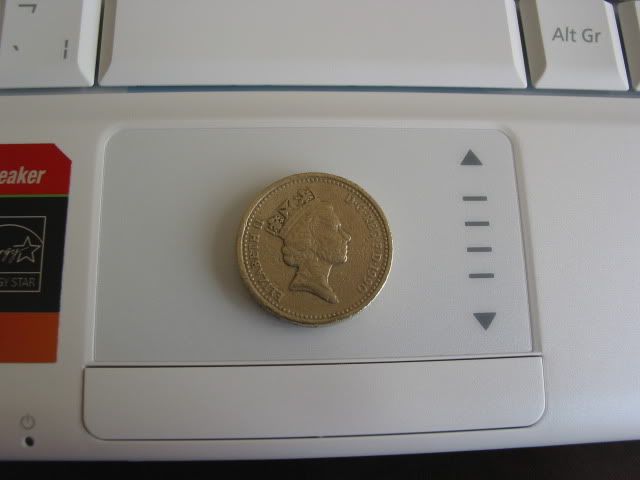
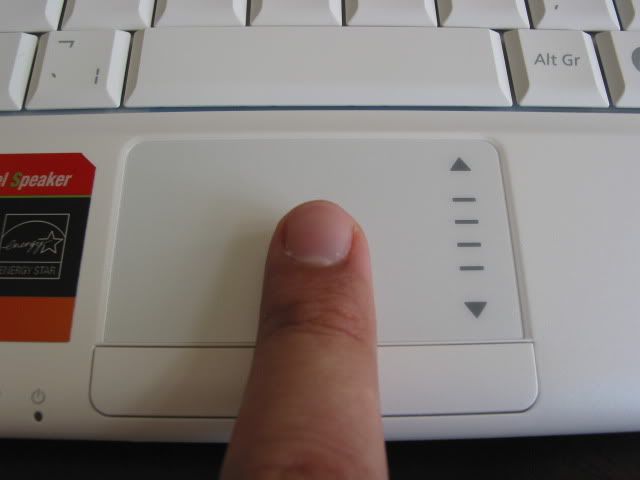
Fitting in a full sized keyboard in the Samsung N120 has meant sacrifices to the touchpad. It was a little small for my liking, which meant several swipes to get from one part of the screen to the other. The touchpad has a width of 64mm and height of 35mm.
Apart from that, the Synaptics touchpad was responsive to the touch. The touchpad has a scroll area which is marked on the right hand side, allowing you to scroll up and down. This scrolling seemed to work well most of the time.
A number of gestures are also supported, but trying to get some of them to work was a bit hit-and-miss. In particular, I couldn’t get the Chiral scroll function to work very often. The annoying part is that whilst just browsing, this particular gesture was activated without my intention. Luckily, gestures can be disabled in the menu setting.
Multi-touch gestures are also supported, mainly to zoom in and out – there’s no two finger scrolling support though. I found the Synaptics touchpad to be more sensitive than the Elantech touchpad found in the Eee PC 1000HE. Zooming in and out was particularly easy and I always felt in control of my actions.
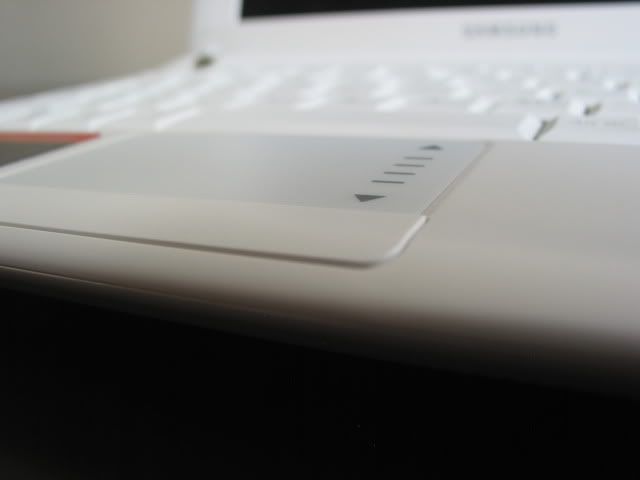
The single rocker button placed underneath the touchpad is slightly raised compared to the NC10. I found it comfortable to use, with the left and right buttons having just the right amount of tension to register commands. After the very stiff mouse buttons seen in the Eee PC 1000HE, this rocker bar was a joy to use.

May 18th, 2009 1:19 PM
Feedback so far suggests that people are liking the larger N120 keyboard. Well played Samsung.
May 19th, 2009 8:33 PM
i would like a larger keyboard, but with a larger screen too.
something like 11,6″ oder so – i think it would fit in the n120 case
is this one a review smapleor have you bought it ? in Germany they sell the N110 only with the 58 Wh // 5.2 Ah battery, but the reviewers get the 64 Wh // 5.9Ah one.
good review
May 19th, 2009 9:15 PM
We tested a final retail version, as you would find in the shops here in the UK. As far as I know all Samsung N120 netbooks come with the 5900mAh 6-cell battery.
May 20th, 2009 11:29 AM
In my view, literally, the most important aspects in regard to netbooks are display quality and weight/size. Because I will use it for seeing informations not writing that much, that I will do either at the office or home desktop. And unfortunately, the bulk of newer and announced netbooks is worse than before: the unending trend for glossy displays kills the usability at least for me. (plus that so few are available with built in 3G/UMTS modems.)
May 20th, 2009 11:51 AM
No doubt, everyone has a different view as what are the most important netbook considerations. We should perhaps do a poll at some point to find out what comes out on top!
May 20th, 2009 9:45 PM
The U.S. version has a 5200mah battery. Interesting as the U.S. N110 is 5900mah while most N110’s in Europe are 5200mah..
May 20th, 2009 10:47 PM
I wasn’t aware of that, thanks for the clarification!
June 11th, 2009 6:25 AM
Sorry, but this is stupid.
If they’re going to make it this big, the display should be BIGGER. A 1024 x 600 display has you scrolling around constantly, especially vertically. If you have room for it, a 720p display at 11″ or so would be MUCH BETTER.
Sorry, but the size of a netbook matters. I take my 9″ netbook (too small) lots of places I would never take my 13″ laptop. Make it too big and its not a netbook anymore, at least to me. If you’re going to put a 10″ display in the thing, make it no bigger than necessary. You can find perfectly acceptable keyboards on 10″ netbooks (check out the HP 2140 for example), without resorting to this.
They didn’t “squeeze” the keyboard into anything. They just cranked the bezel up until the regular keyboard fit. Not for me.
June 25th, 2009 5:13 PM
It bears mentioning that the N120 also supports charging peripherals while in sleep mode through a BIOS setting. In addition, the internal wireless card can be changed for one that supports draft 802.11n (the Intel 5300 is your best bet).
June 25th, 2009 5:19 PM
We did mention that two of the USB ports are chargeable on page 4, something that most other reviews missed. Also, not many mentioned the fact that the N120 has a multi-touch touchpad.
September 8th, 2009 8:36 PM
I just ordered the samsung N120. I would like to play dvd movies on it. what do you suggest I do to accomplish this.
Thanks
ann
September 23rd, 2009 2:51 AM
Thank you for your review of N120, it’s mostly convinced me to buy one – my local university has a sale, it’s priced at USD $371, and its battery is 9-10 hours (regional Hong Kong variation I’ve been told).
September 23rd, 2009 2:52 AM
PS. No sales tax
January 24th, 2010 5:59 PM
I have one of these machines that i picked up for $299. I’m fighting the kids over who gets to use it. The battery seems to alst forever, it’s fully functional, and yes, the screen size is a bit small but for the price i’m happy to deal with it. The screen size is adequate to watch video, and there are only a few websites that require careful scrolling and panning. This is a great airplane worker – small enough for the tray table, big enough to get real work done.
I asked my office to buy two more for “floaters” that employees can grab on their way out the door for work trips.
in short, i love it.